CORENEXA and Microsoft Teams
Using the most intuitive, situationally appropriate interface for the task.
The key to understanding CORENEXA and Microsoft Teams comes down to their core design focus:
- CORENEXA is communications-first, built around telephony and UCaaS
- Microsoft Teams is collaboration-first, centered on meetings and teamwork
They were intentionally designed with different priorities. When integrated, they complement each other—bridging gaps to deliver a more seamless, fully functional, and highly productive user experience.
What’s the Difference—and Why It Matters
In today’s business communications landscape, it’s easy to assume that all platforms serve the same purpose. Two names that often come up in conversation are CORENEXA and Microsoft Teams. While they may appear similar on the surface—both offering communication tools—they are fundamentally different in design, purpose, and use.
Understanding how they differ (and how they complement each other) is key to making smarter technology decisions for your organization.
Two Platforms, Two Different Roles
At a high level, CORENEXA and Microsoft Teams come from different worlds.
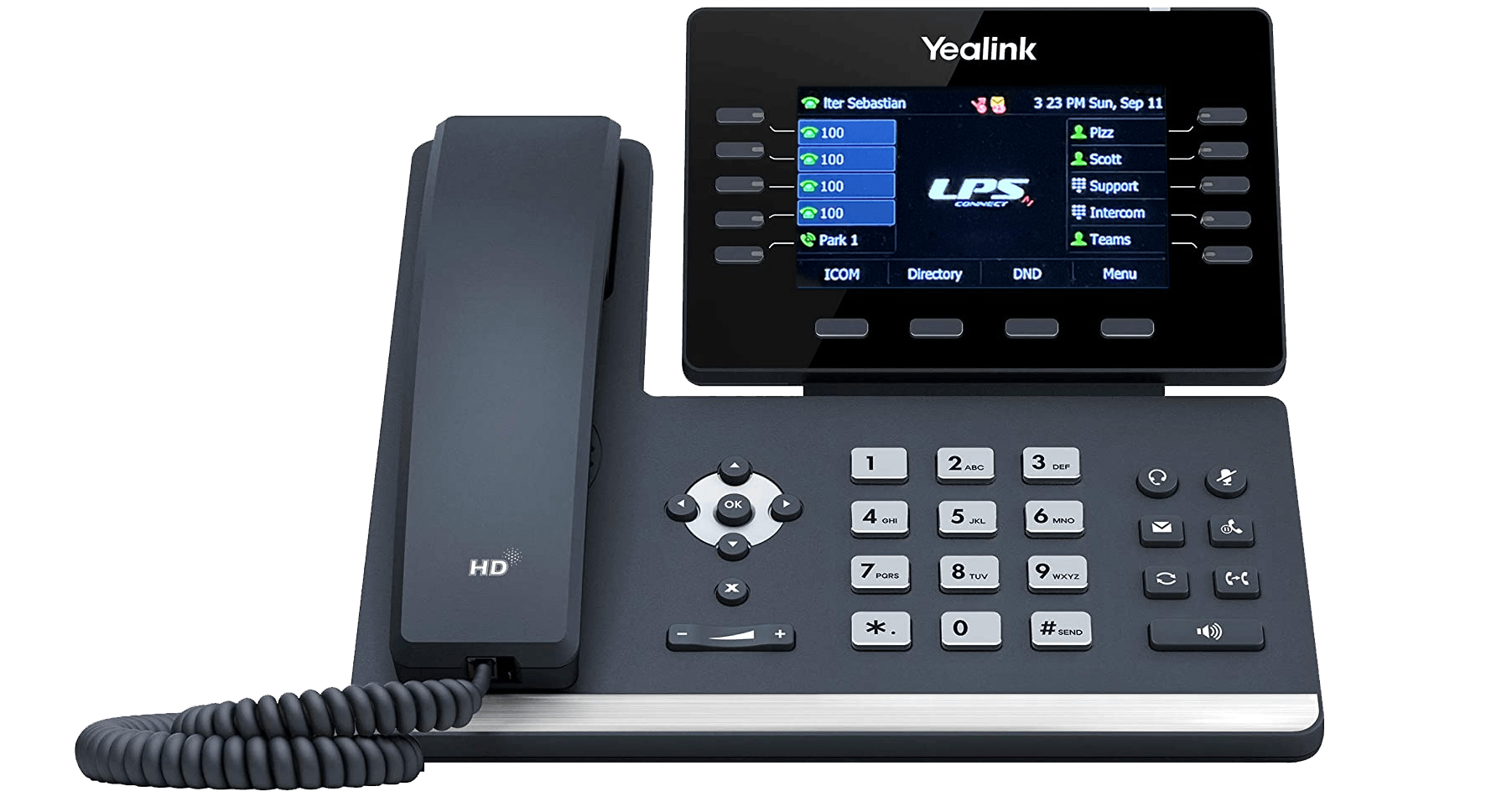
CORENEXA is a Unified Communications as a Service (UCaaS) platform. Its primary role is to function as a full-featured business phone system in the cloud. It replaces traditional PBX systems and delivers advanced telephony capabilities such as call routing, voicemail, SMS messaging, and contact center functionality.
Microsoft Teams, on the other hand, is a collaboration platform. It’s designed to bring people together through chat, meetings, file sharing, and integration with Microsoft 365 applications. While it does offer calling features, telephony is not its core strength.
CORENEXA: Built for Business Telephony
CoreNexa is designed with one primary goal in mind: delivering a powerful, flexible business phone system.
Organizations using CORENEXA benefit from:
- Advanced call handling and routing
- Auto attendants and call queues
- Business SMS and MMS messaging
- Voicemail and call recording
- Contact center capabilities
- Desktop and mobile softphone applications
For companies that rely heavily on voice communications—especially those with customer-facing teams—CoreNexa provides the depth and reliability expected from a modern cloud PBX.
Microsoft Teams: The Digital Workplace Hub
Microsoft Teams serves a very different purpose. It’s built to streamline collaboration and productivity across an organization.
Key features include:
- Persistent chat and team channels
- Video conferencing and virtual meetings
- File sharing and real-time collaboration
- Integration with Microsoft 365 tools like Word, Excel, and SharePoint
Teams replaces fragmented communication tools by creating a centralized workspace where employees can connect and collaborate efficiently.
The Key Differences
The distinction between these platforms becomes clearer when you compare their core functions:
Primary Focus
- CORENEXA: Business telephony
- Microsoft Teams: Collaboration and productivity
Calling Capabilities
- CORENEXA: Full PBX-level features
- Teams: Basic calling unless enhanced with 3rd party solutions integrated through MS Direct Routing.
Messaging
- CORENEXA: Business SMS/MMS
- Teams: Internal chat and collaboration
Contact Center
- CORENEXA: Native support
- Teams: Requires third-party solutions
In short, CORENEXA is engineered for how businesses communicate externally, while Teams is built for how employees collaborate internally.
Better Together: Integration, Not Competition
One of the most important points to understand is that CORENEXA and Microsoft Teams are not direct competitors in most environments.
In fact, they are often deployed together.
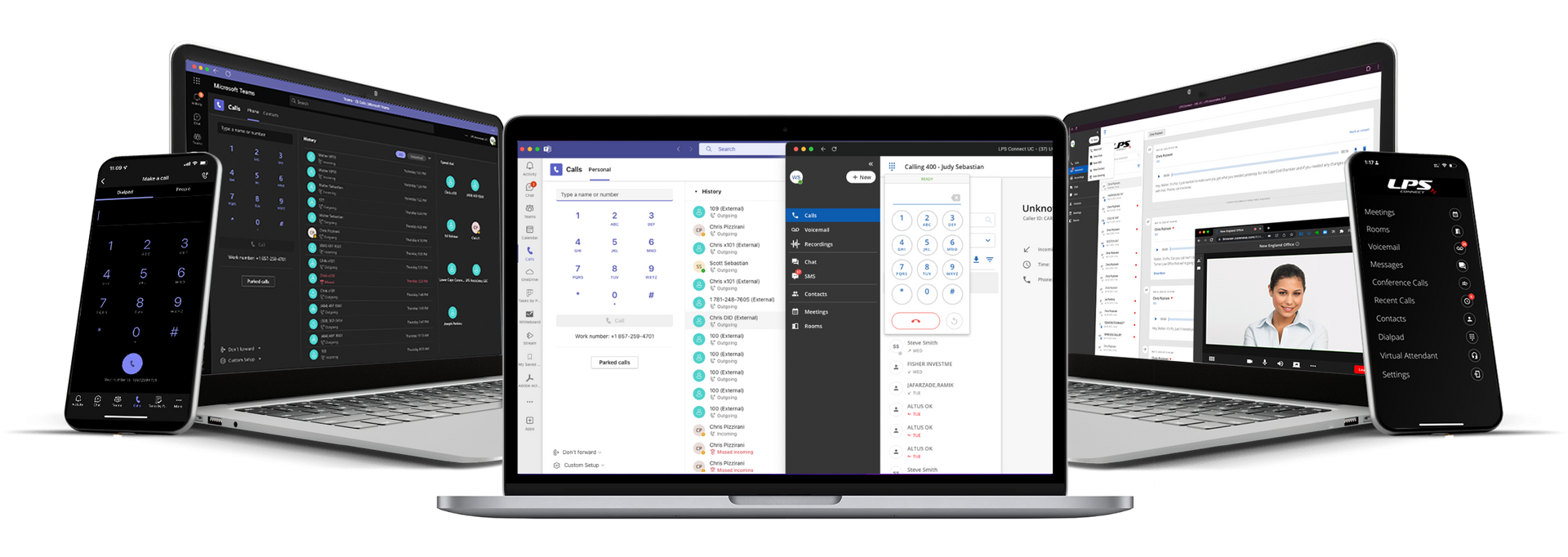
Through integration (such as Direct Routing), businesses can combine the strengths of both platforms:
- Use Microsoft Teams as the user interface
- Use CoreNexa as the telephony engine behind the scenes
This allows employees to make and receive business calls directly within Teams—while still leveraging the advanced calling features that CoreNexa provides.
A Simple Way to Think About It
If you’re looking for a quick analogy:
- CoreNexa is your phone system
- Microsoft Teams is your digital office workspace
Each plays a distinct role, and together they create a more complete communications solution.
Choosing the Right Approach
Your ideal setup depends on your business needs:
- Choose CORENEXA alone if your priority is a robust, feature-rich phone system
- Choose Microsoft Teams alone if your focus is internal collaboration
- Choose both together if you want the best of both worlds—modern collaboration combined with enterprise-grade telephony
Final Thoughts
As businesses continue to move to cloud-based communications, understanding the difference between platforms like CoreNexa and Microsoft Teams is essential.
Rather than asking which one is better, the more valuable question is: How can they work together to improve communication, productivity, and customer experience?
In many cases, the answer isn’t choosing one over the other—it’s leveraging both strategically.

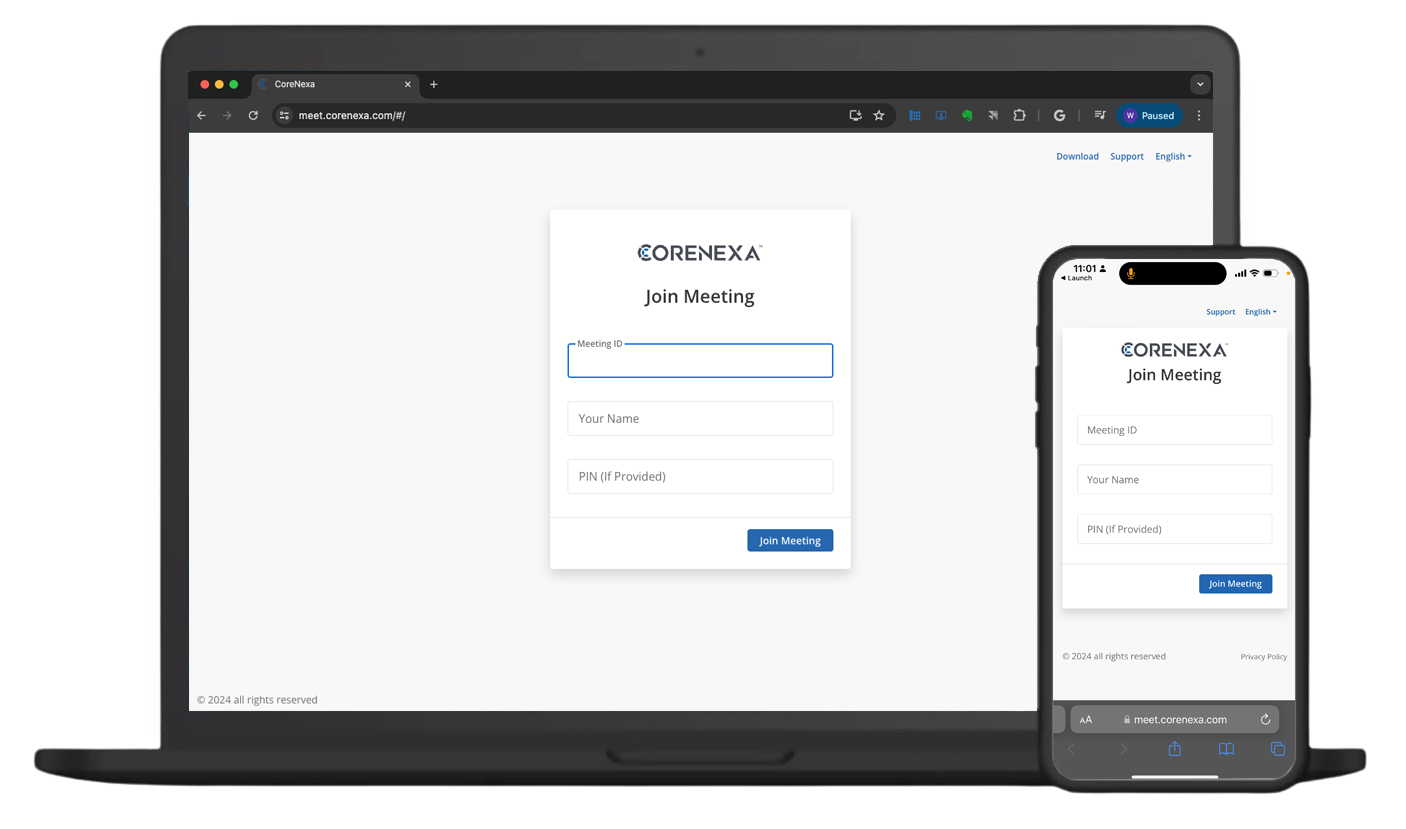
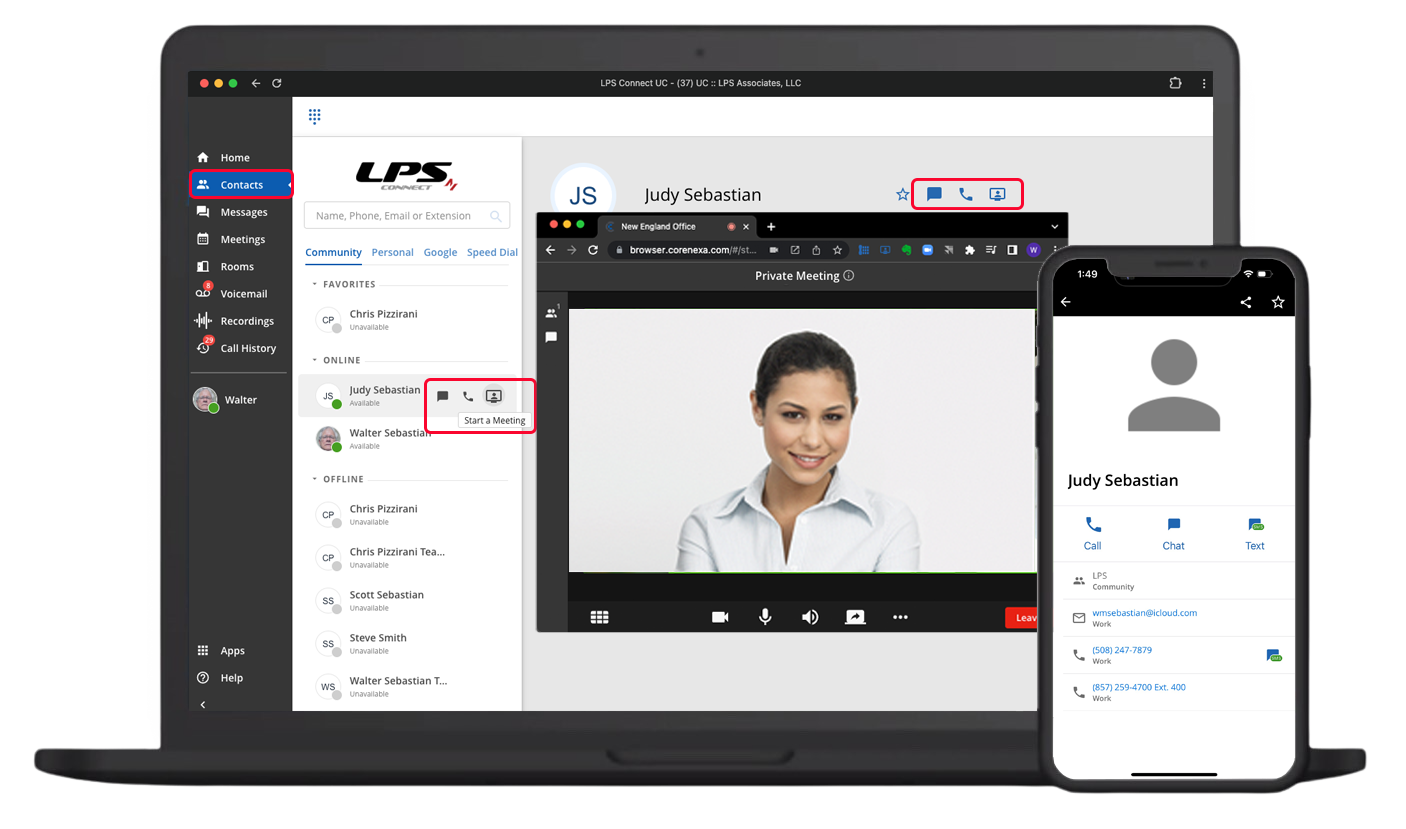
How it’s structured
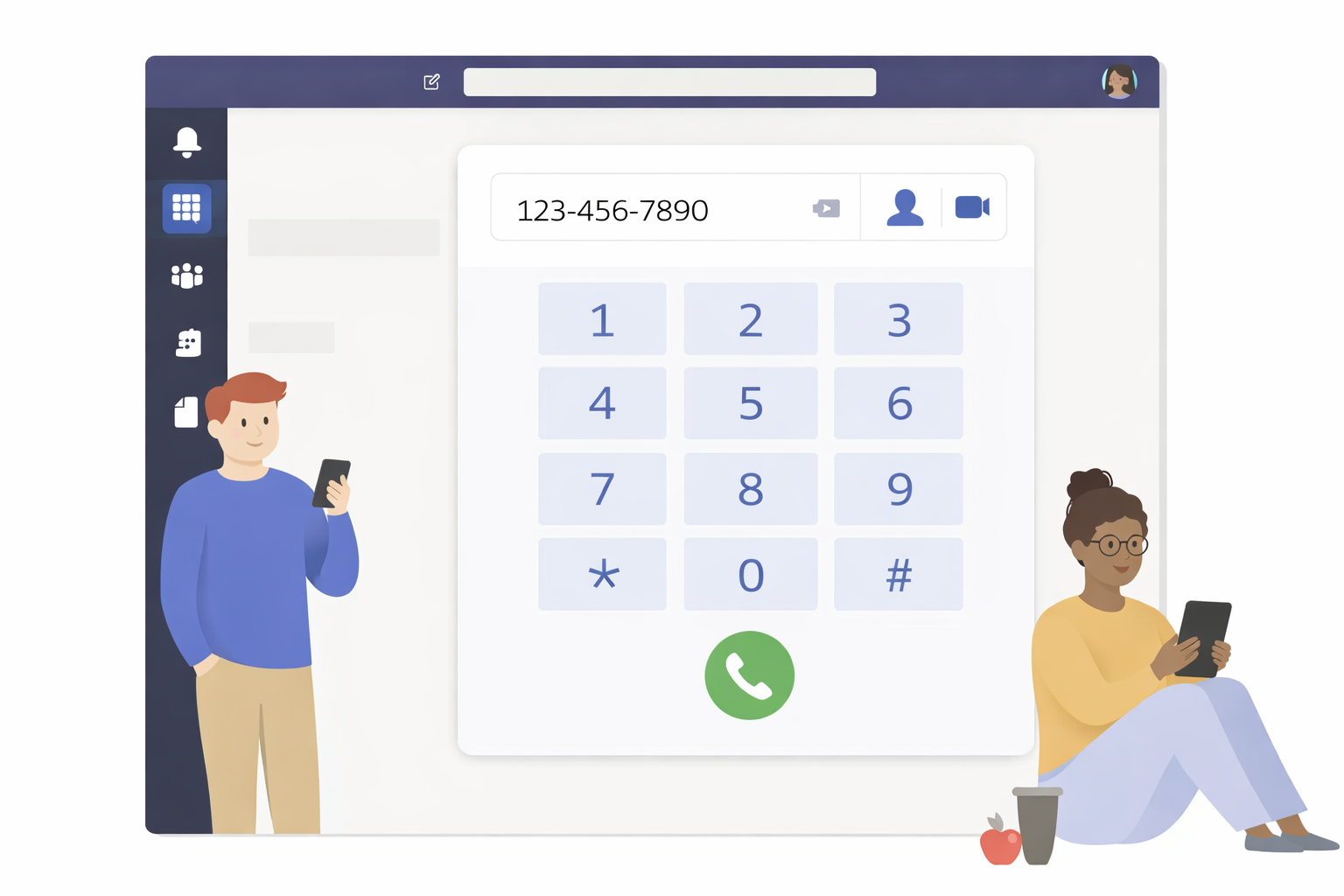
CoreNexa uses a telecom-style layout:
- Menu → Calls, Voicemail, SMS, Contacts, Meetings
- List view → recent calls/messages
- Detail pane → contact or call controls
What it emphasizes
- Softphone experience (dial pad always central)
- Call control features (transfer, hold, record, 3-way)
- Business SMS + voicemail (with transcription)
- Presence + directory tightly tied to calling
Mobile UX feel
- Feels like a modern PBX in your pocket
- Optimized for handling inbound/outbound calls quickly
- One-tap transitions: call ↔ SMS ↔ voicemail
How it’s structured
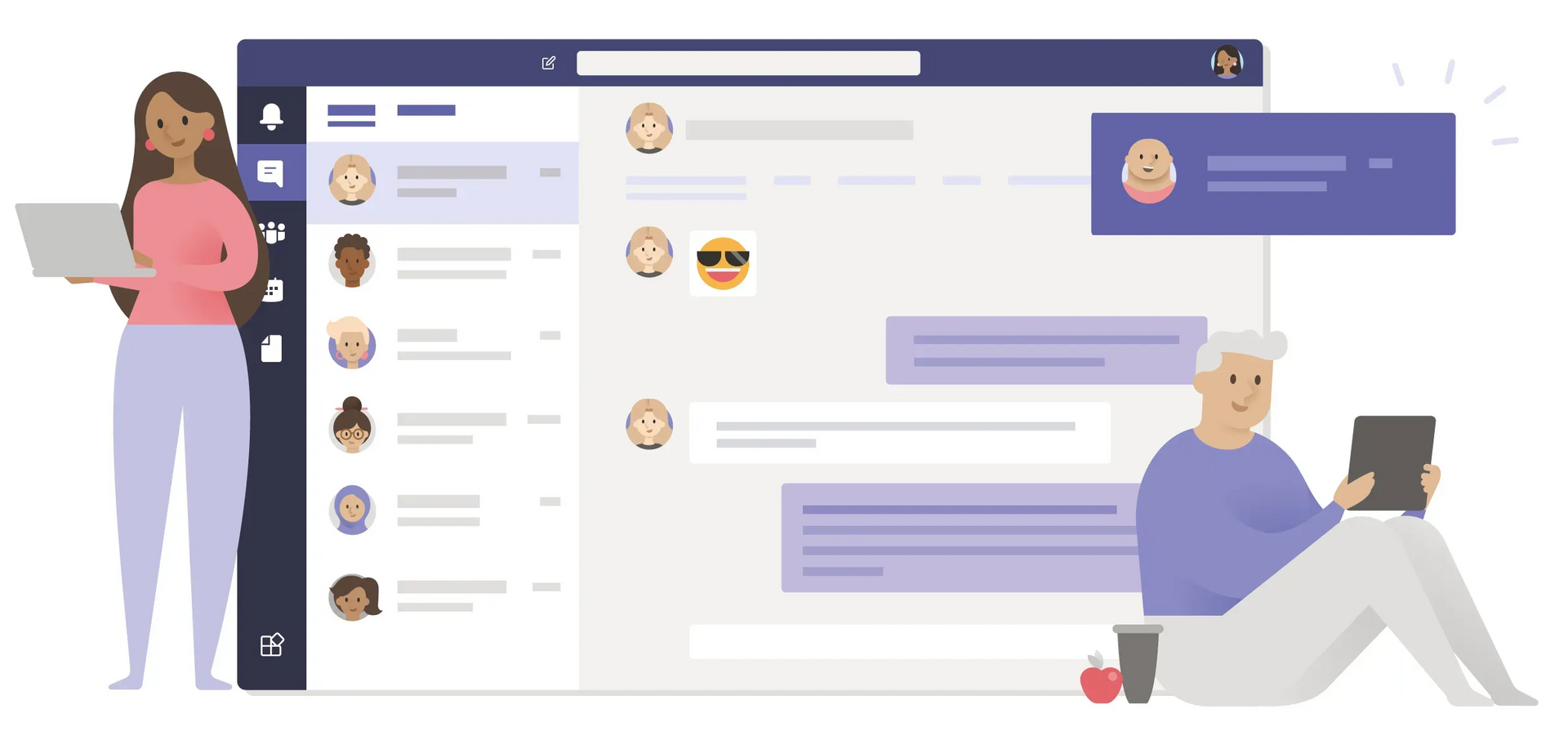
Teams is organized around workstreams:
- Chat
- Teams (channels)
- Calendar
- Activity
- Team calls and meetings
What it emphasizes
- Persistent chat & channels
- Meetings & video collaboration
- File sharing + co-authoring
- Integrated with Microsoft 365 ecosystem
Mobile UX feel
- Feels like a workspace hub
- Communication is threaded and contextual
- Calling is present, but not the primary anchor (unless voice is added)