
Adds enhanced collaboration to

By adding topic-centric group messaging and content collaboration via embedded applications like Word, Acrobat, Excel, PowerPoint, HubSpot and SalesForce among many others.
To LPS Connect and CORENEXA's person-centric messaging, SMS messaging, switched voice, and ad-hoc video with associated meeting room.
And enabling the use of both MS Teams and CORENEXA interfaces to offer the most appropriate interface for the situation.

Enabled by the
Integration of PSTN Services
Via our Microsoft Teams Connector and Microsoft Direct Routing.
- LPS Connect Extension
- DID Number
- Ring Group
- Contacts - Outlook
Enables the use of the most appropriate I/F for a phone call or SMS text message.
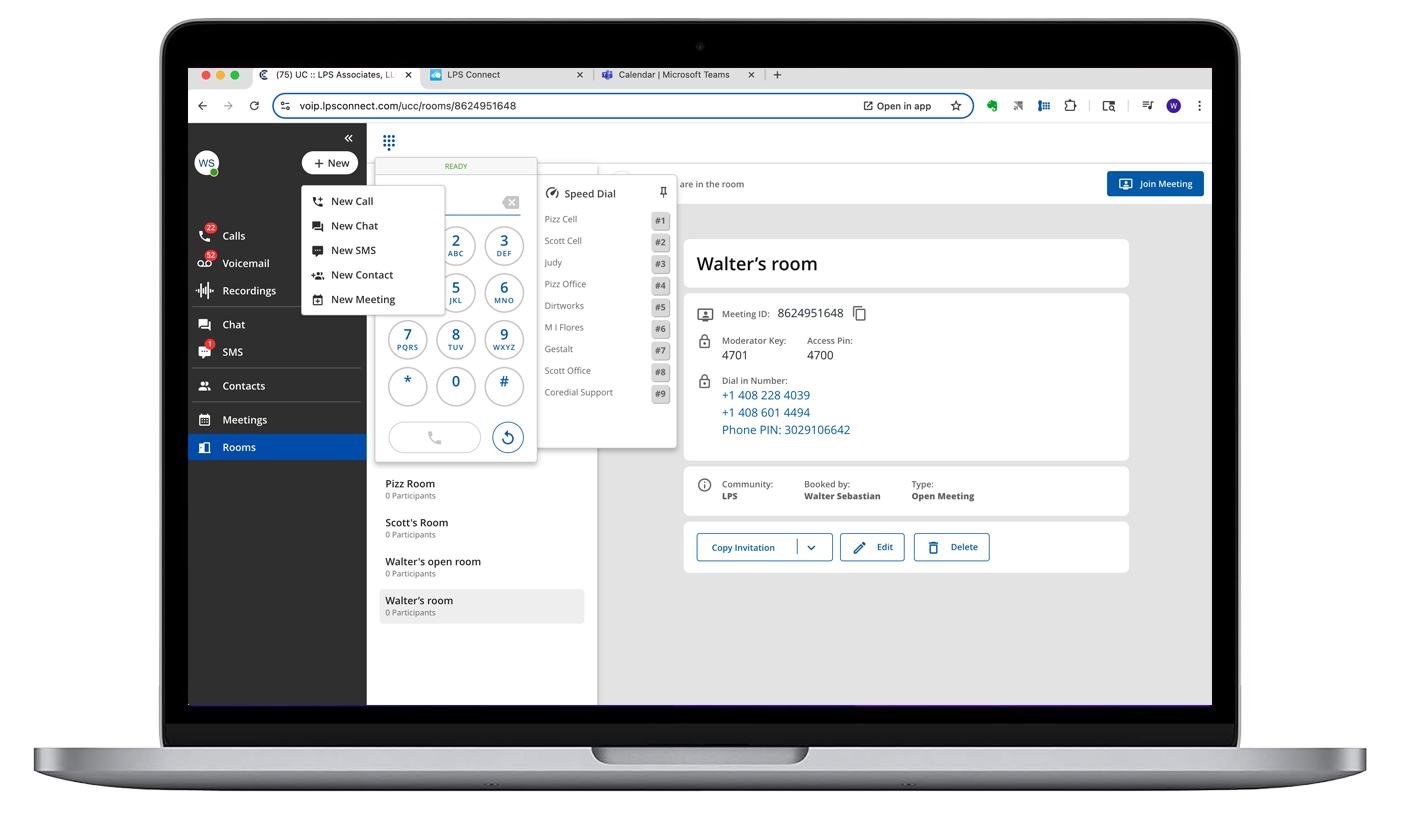
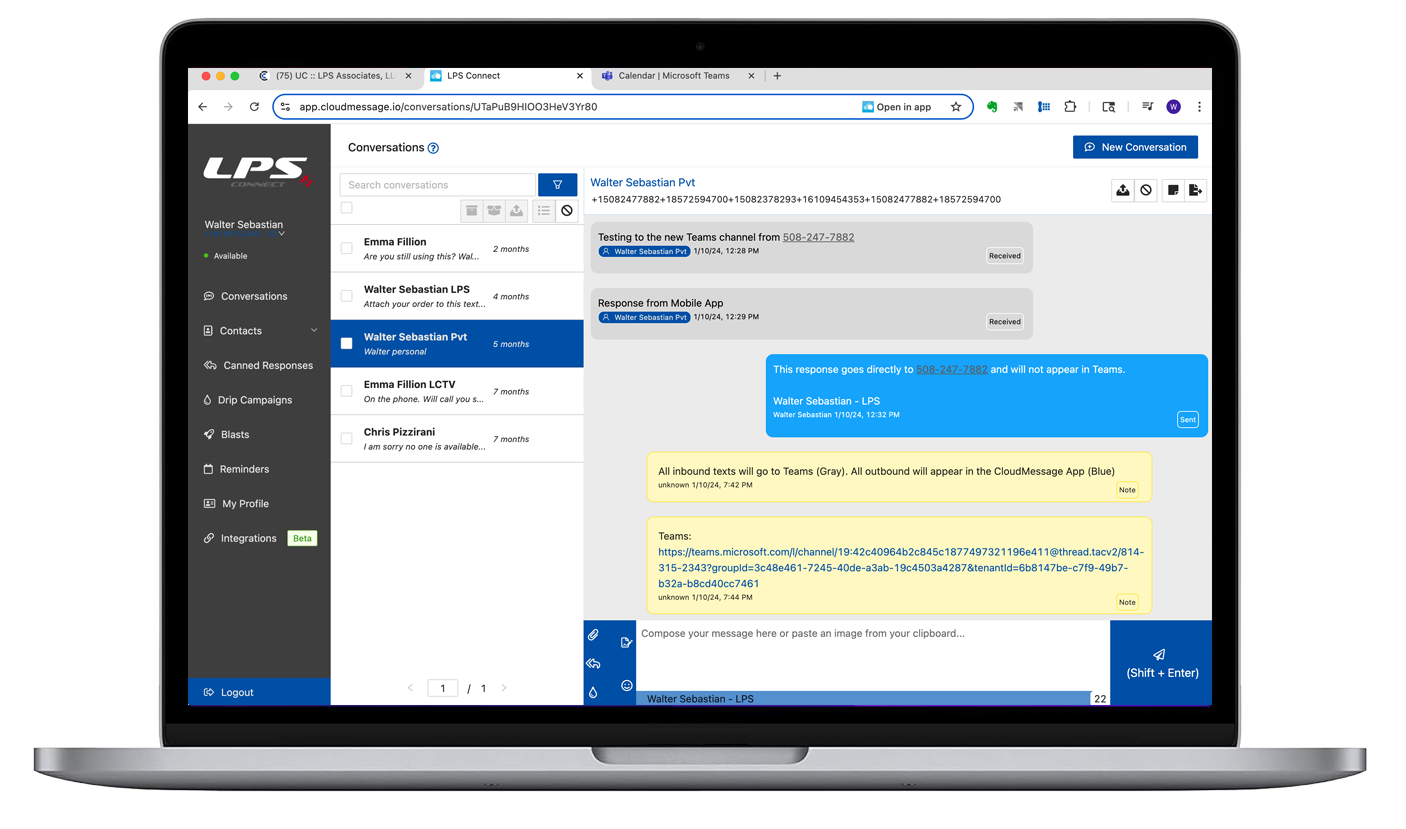
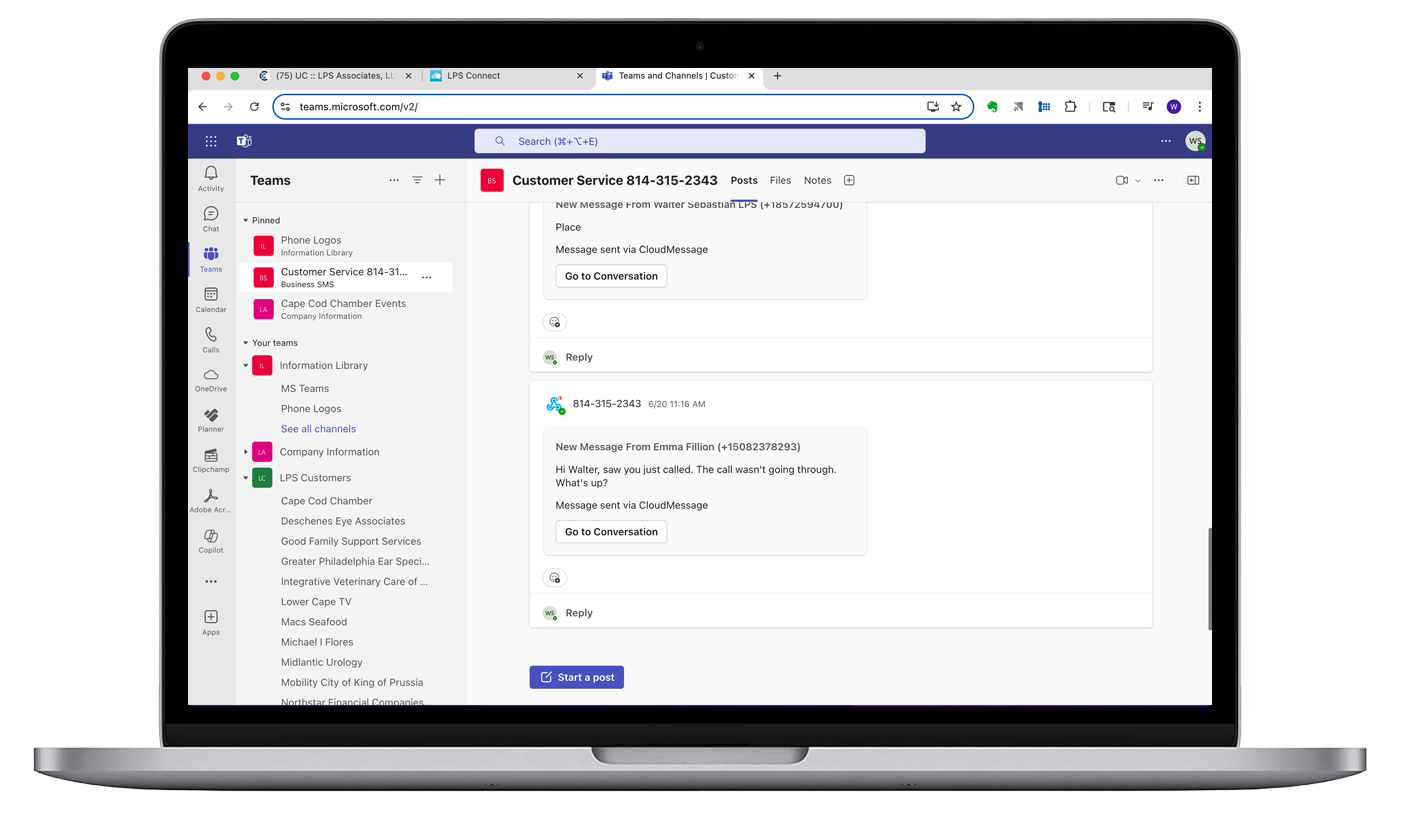
- CORENEXA and MS Teams can both run in a common Chrome or Edge browser window and share an LPS Connect outside line/number, ring group and contacts.
- This enables the use of both applications to support today's extended communications requirements for voice, video, chat, SMS texting, meetings and collaboration along with their operating and support environments.
- Using a shared browser with pinned tabs and browser notifications creates a streamlined, visually organized environment, enabling users to select the most suitable application, function, or interface from either Teams or CORENEXA based on the situation.

Adds
SMS Texting to a Channel
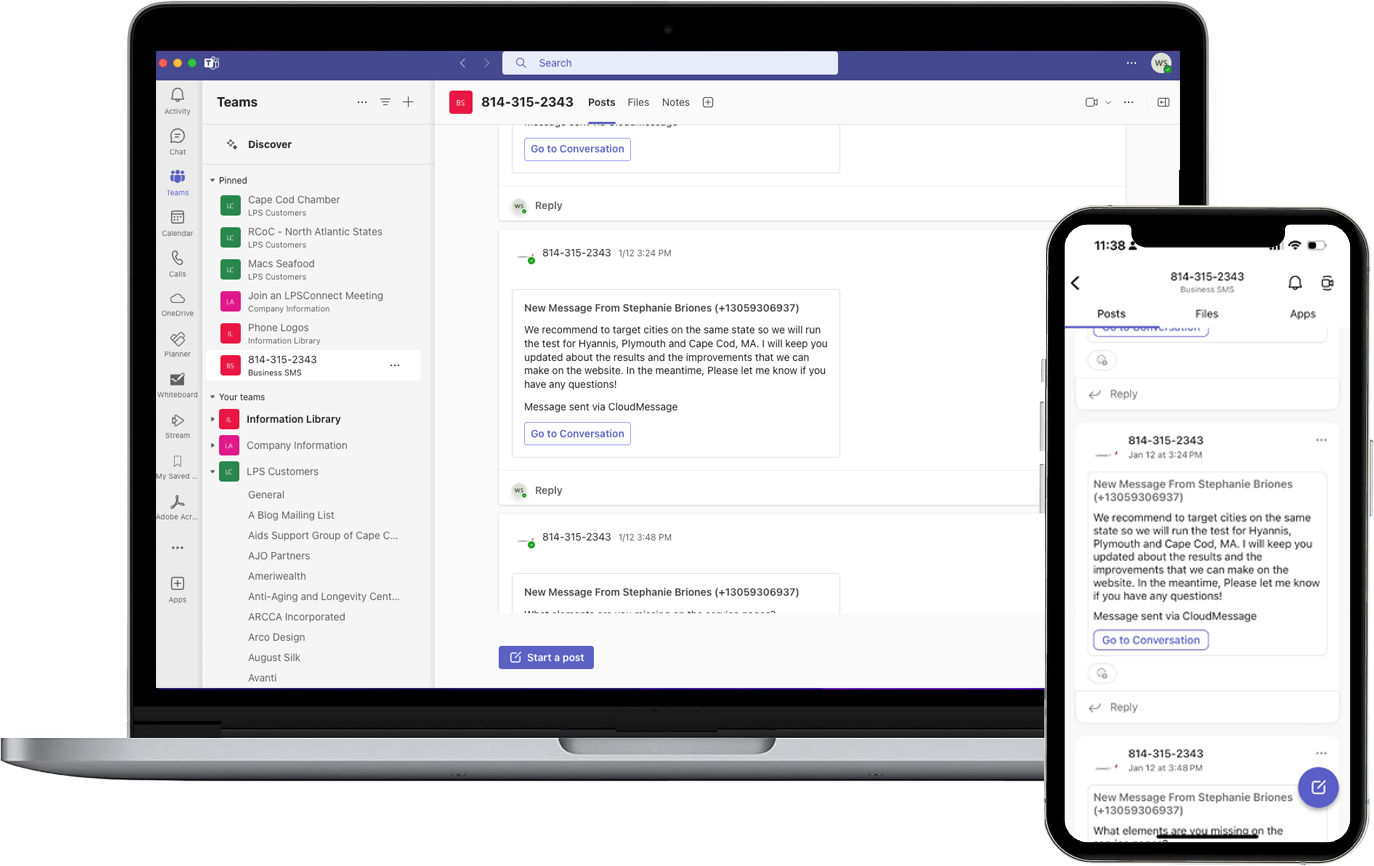
Add inbound SMS text messages to specific Teams and Channel posts.


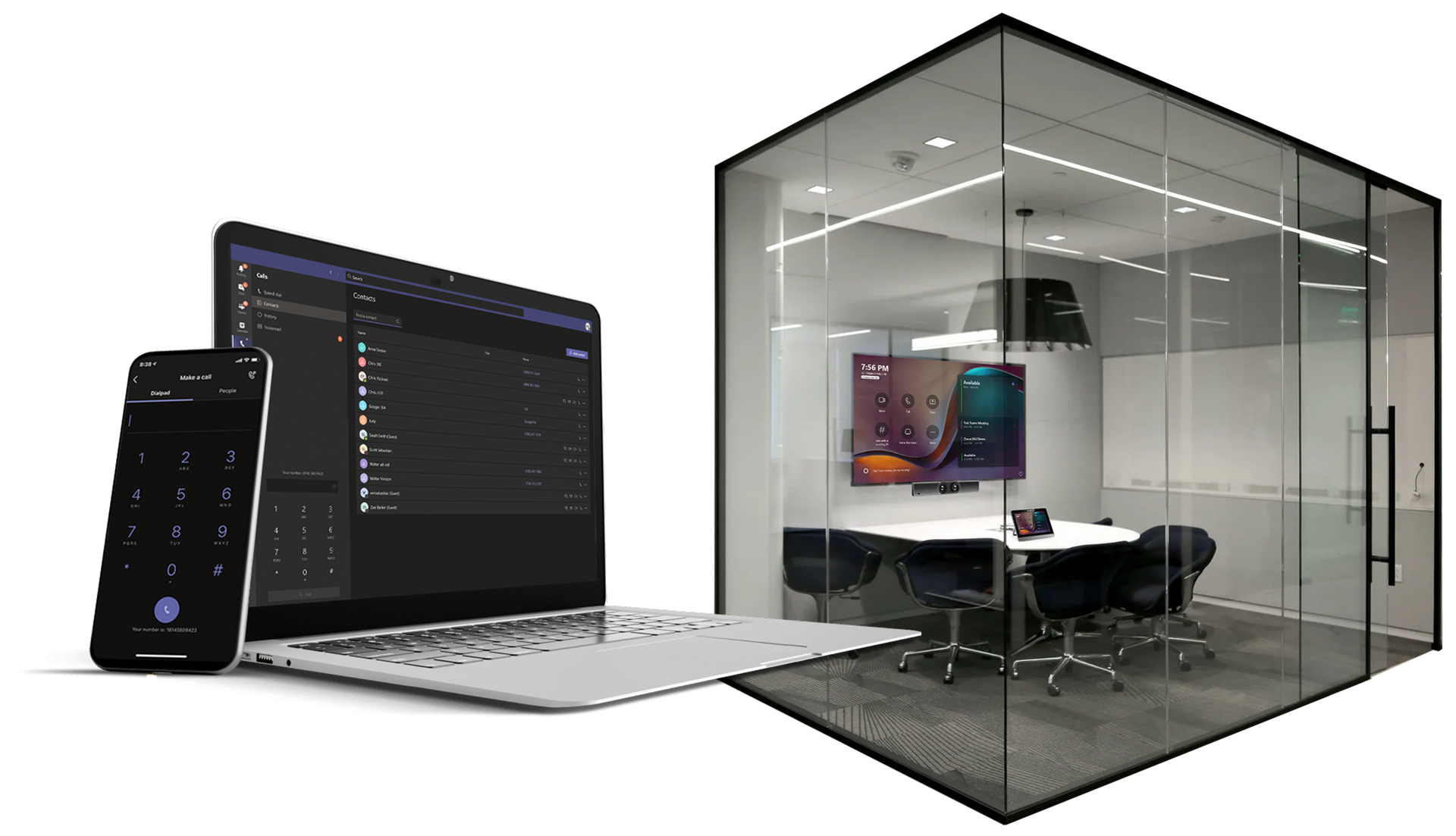
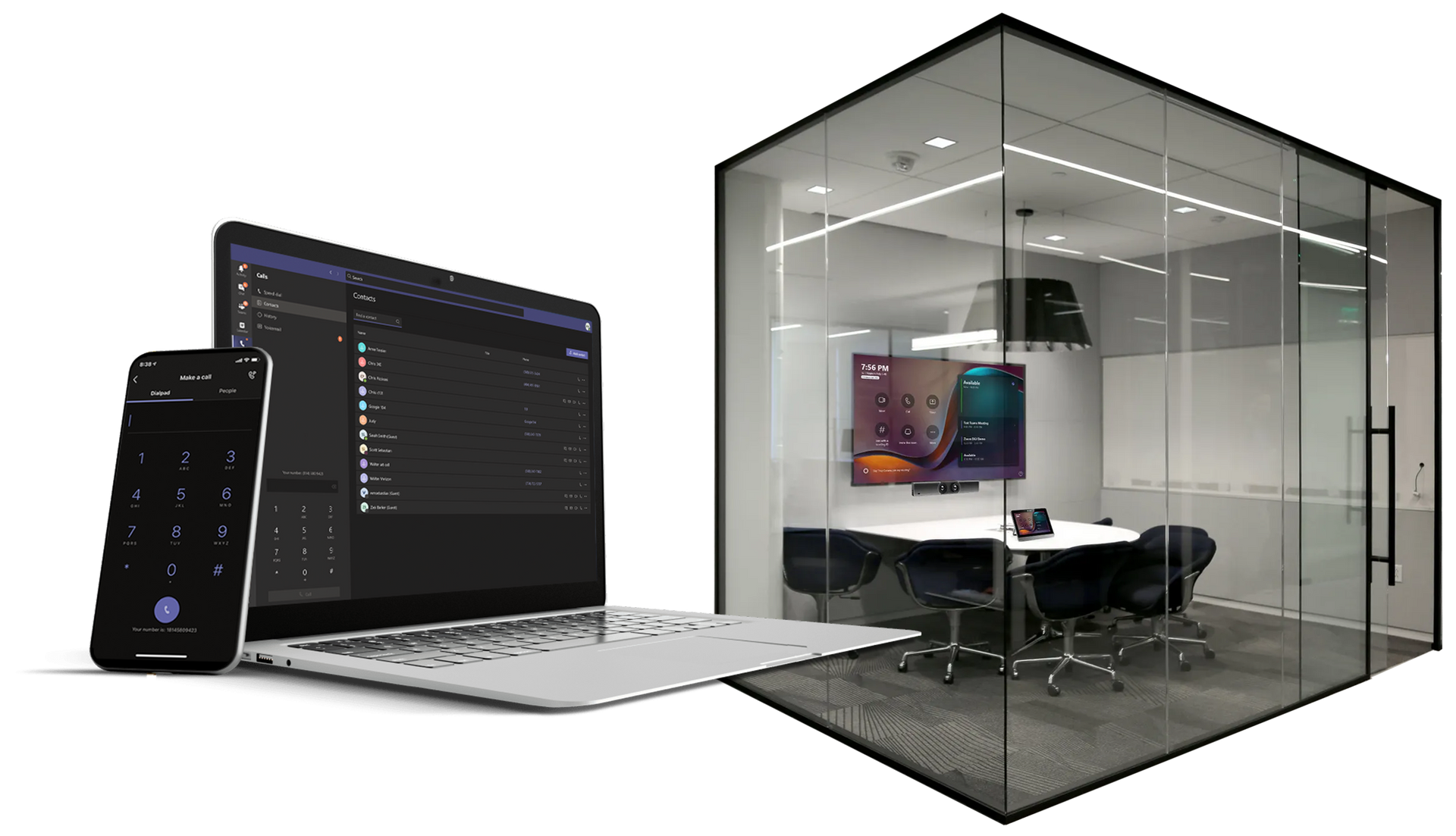
Browser and Mobile Clients
Room Systems
Resources
Click to view Resources for Microsoft Teams
Top 7 Reasons Microsoft Teams Direct Routing is so Popular - UC Today pdf
What is Direct Routing? Voice for Microsoft Teams - UC Today
Your Guide to Microsoft Teams Direct Routing - IR Integrated Research
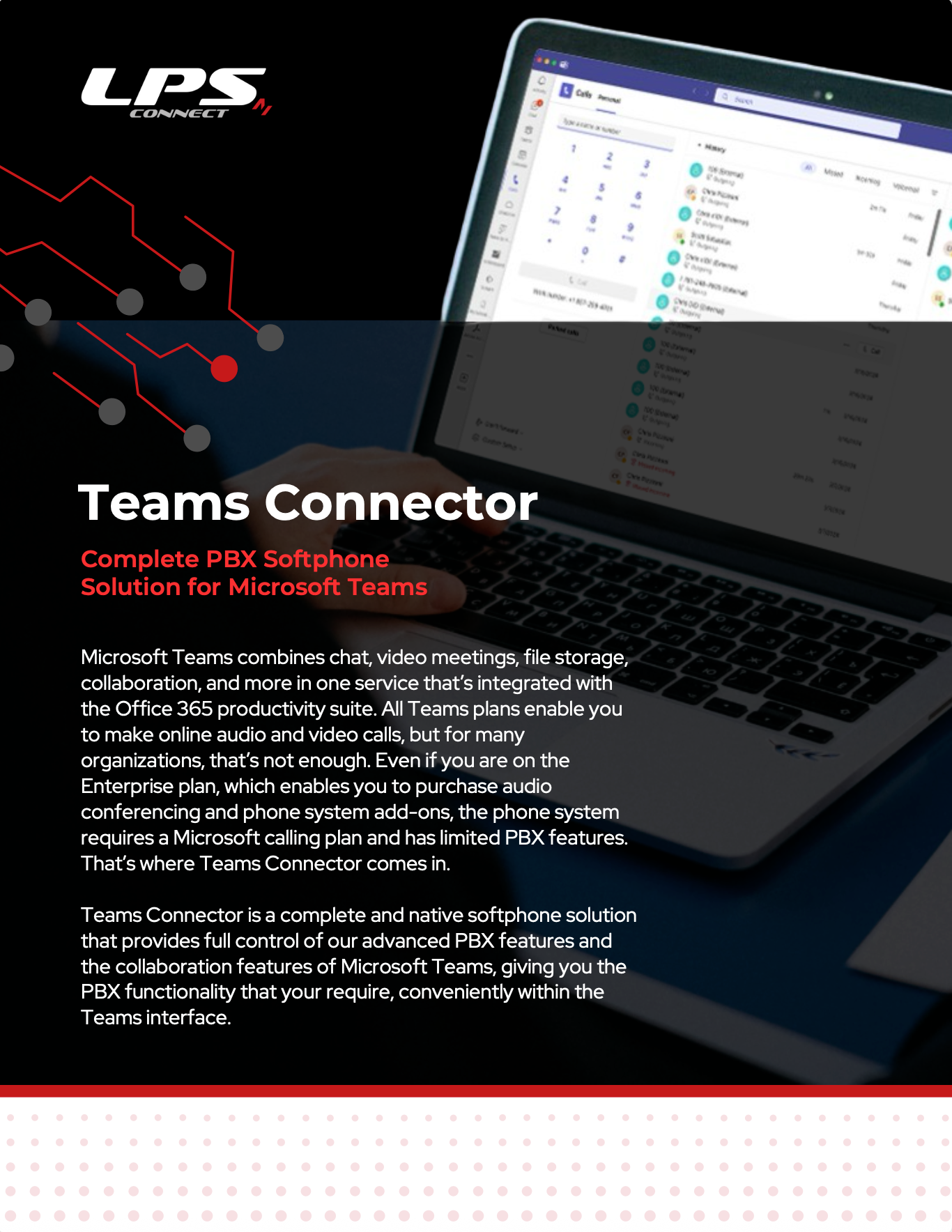
Microsoft Teams Connector