


is a hosted, easy to use, feature rich and future-proof
Unified Communications Service
Business Phone System / PBX via VoIP
Voice and Video Calling | Texting | Meetings | Recordings | Shared Contacts | Microsoft Teams Integration
Key features and benefits include . . .
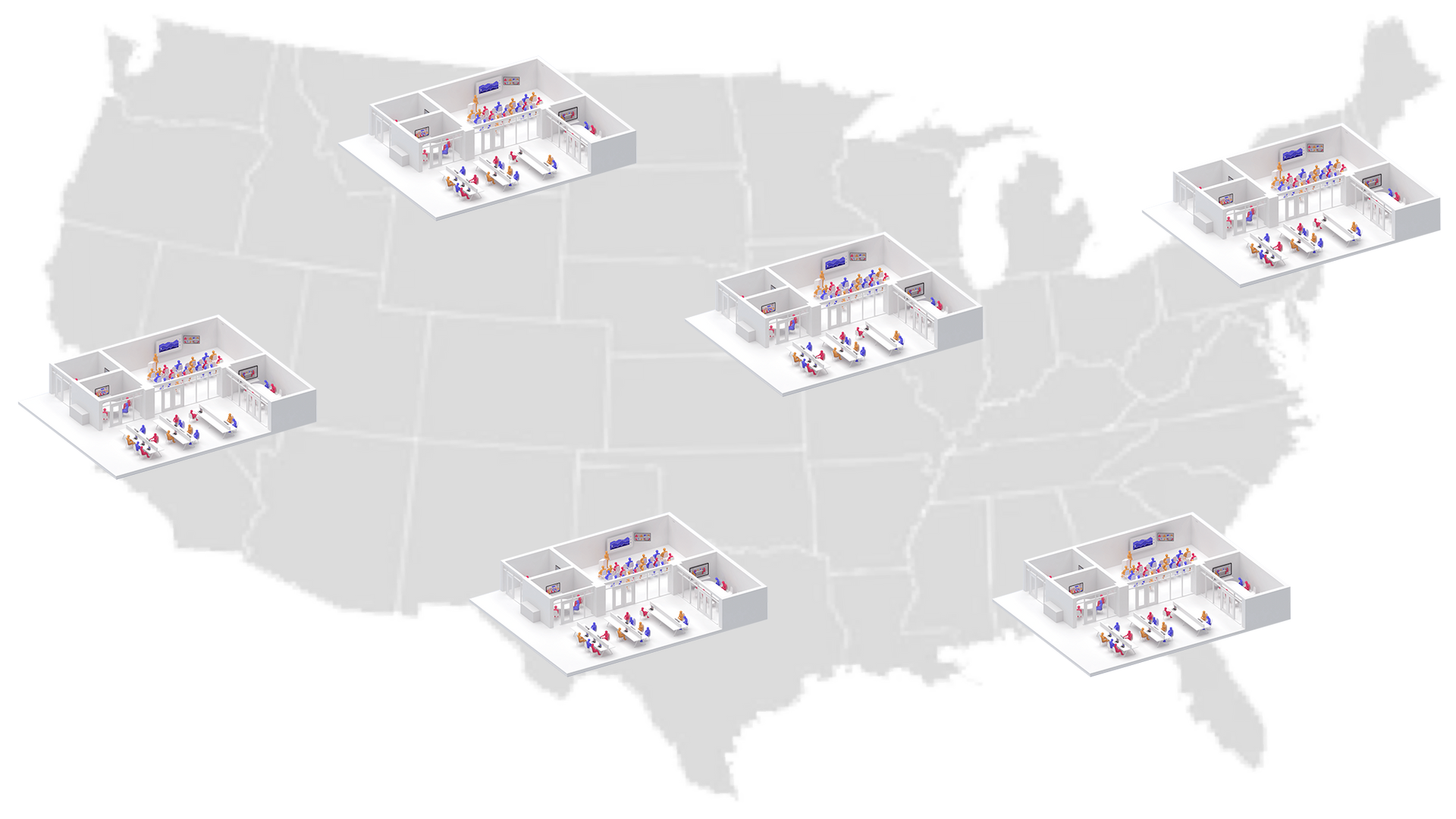
Multiple locations can share the same system and resources
More
Across local, regional, domestic and international boundaries. This capability significantly reduces operational and network costs and enables you to reach new markets and the subject matter expertise (SME) to support your business.
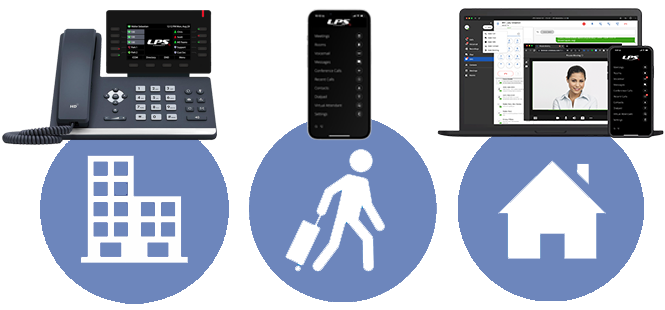
You can work from anywhere
More
Allowing desktop phones, software clients, and mobile devices to remain connected to system resources from anywhere. You can answer a call on your desktop set and move it to your mobile device as you run out of the office.
Bogged down outside of the office without any of your devices? Launch CORENEXA, our browser-based UC Software Client (previewed below) on any 3rd party PC, Mac, or Chromebook, and continue to work uninterrupted.
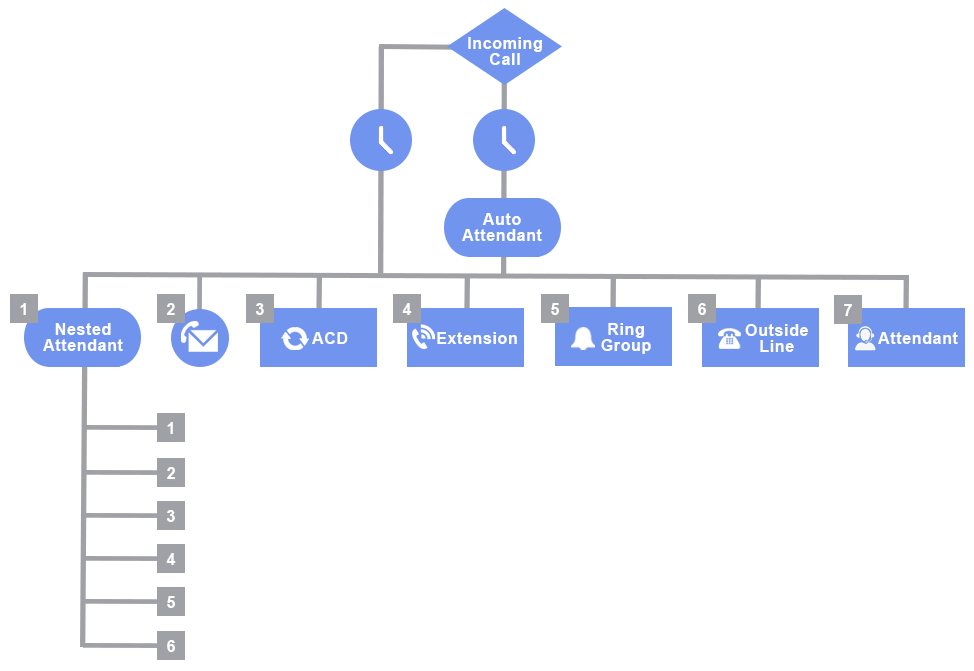
Call routing capabilities ensure that all calls reach their appropriate destination
More
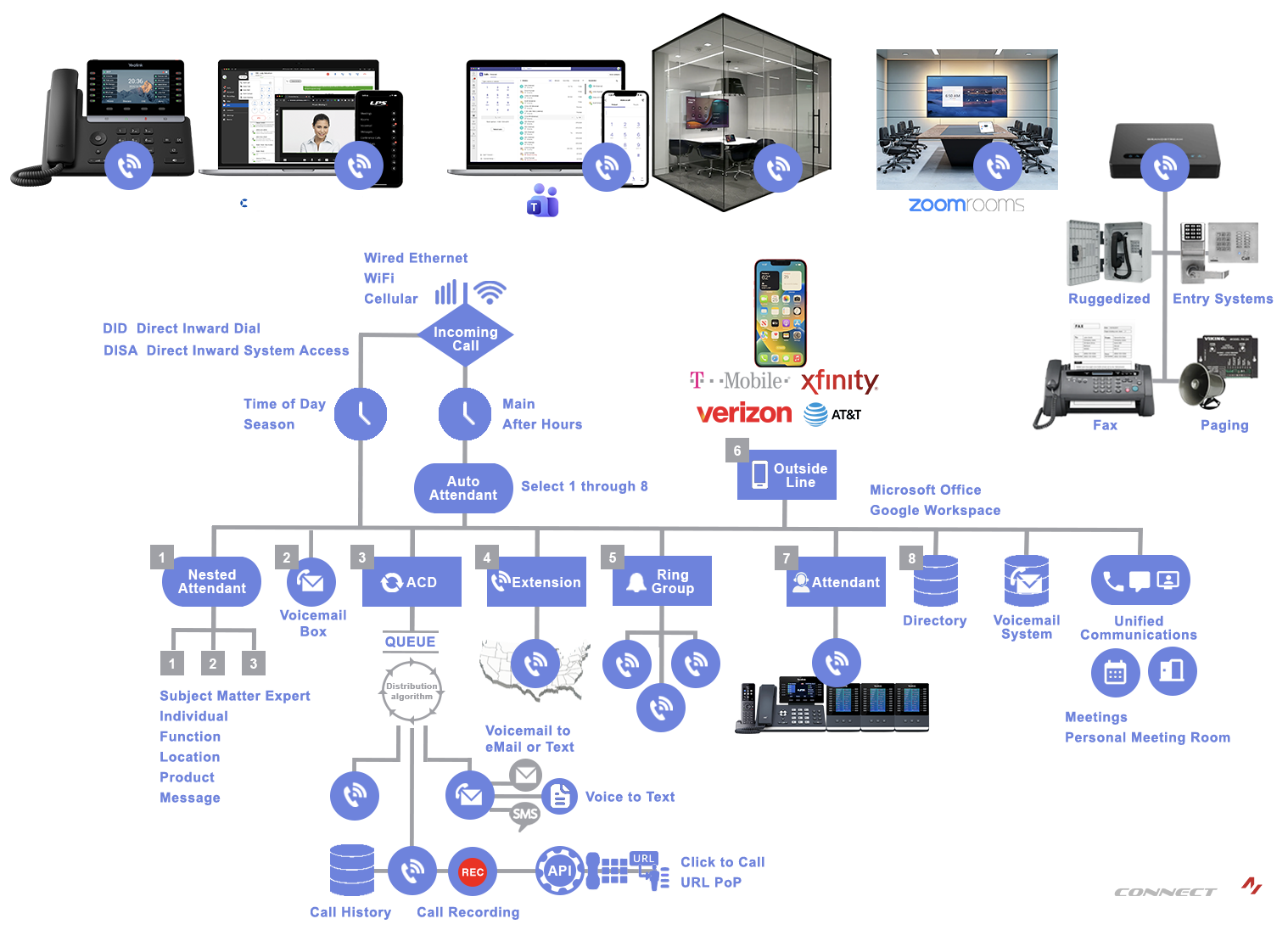
Calling Processing FeaturesOur call handling feature set includes auto-attendants, nested auto-attendants, virtual attendants, ring groups, TOD triggers, ACDs (Automatic Call Distributors), URL agents, call forwarding, physical attendants, individual extensions, voicemail, and notifications via email and text.
We work very closely with you to ensure that no calls go unanswered. The phone is often the first interaction a potential customer has with your business. Answering promptly and professionally creates a positive first impression. And a potential new customer and sale!
Select from a wide portfolio of devices to support the most appropriate device for the end-user or application.
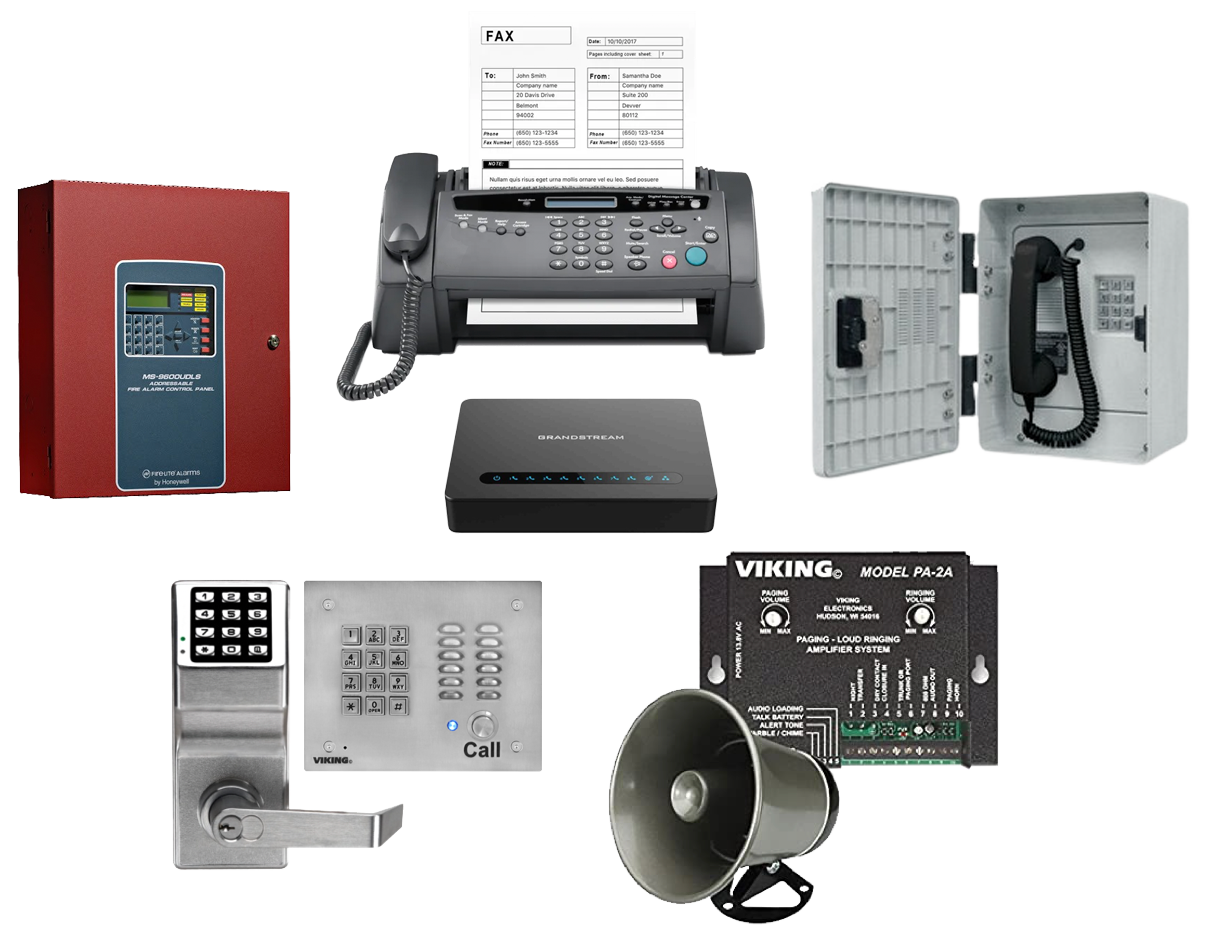
Select from a range of desktop phones with time tested user interfaces to cordless phones, PC and Mac applications (native apps and browser based apps), mobile apps (iOS and Android), integrated workstations (voice and video), and analog devices such as fax machines, facility paging systems, and entry systems - to name a few.
Desktop Phones
Time Tested Classics
More
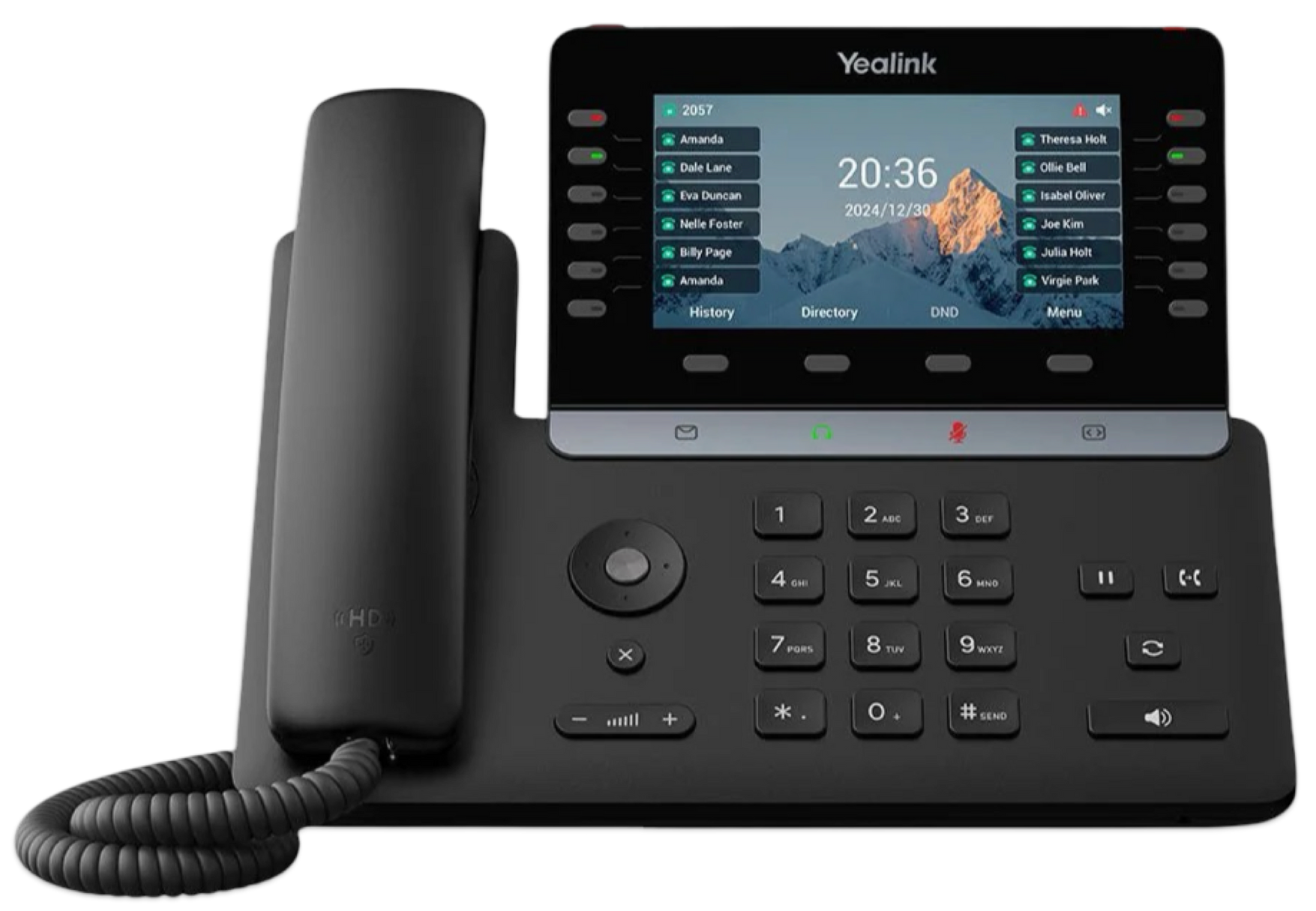
Desktop SetOur Business Class Desktop Phones incorporate a time tested user interface that offers the optimum in versatility, ease-of-use, feature activation, and quality of user experience.
Their weighted handsets, business class speakerphones, single touch feature keys and interactive displays make them the ideal sets for volume call handling.


Mobile App
More
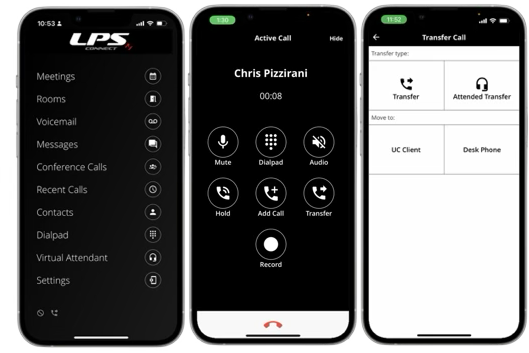
CORENEXAThe CoreNexa Mobile App is a unified communications (UC) solution designed to extend the business phone system to your mobile device.
Available for both iOS and Android platforms, it enables users to manage calls, messages, voicemails, and conferencing features directly from their smartphones or tablets.
Browser App

More
Use one or all threeA comprehensive Communications-Centric application with a built-in softphone for making and taking calls, extensive calling features such as call move, visual voicemail, call transfer, three-way calling etc., HD video, meetings, messaging (Chat & SMS/MMS), permanent virtual meeting rooms and advanced collaboration features - all in one tool.

Mobile and Desktop Clients Powered by LPS Connect

More
Microsoft TeamsOur Microsoft Teams Integrator allows Teams users to access the public switched telephone network (PSTN) via their Teams interface. Functioning as an extension on the LPS Connect system, it adds Best-in-Class collaboration-centric capabilities.
LPS Connect's comprehensive call routing capabilities ensure that calls are delivered to the appropriate end points, Teams Clients included.
With the integration in place, employees can remain logged into Teams at all times. There’s no need to jump in and out of the interface/application, making this new integration an essential and high value add-on for any organization with Teams users.
Rooms
With AV Integration
More
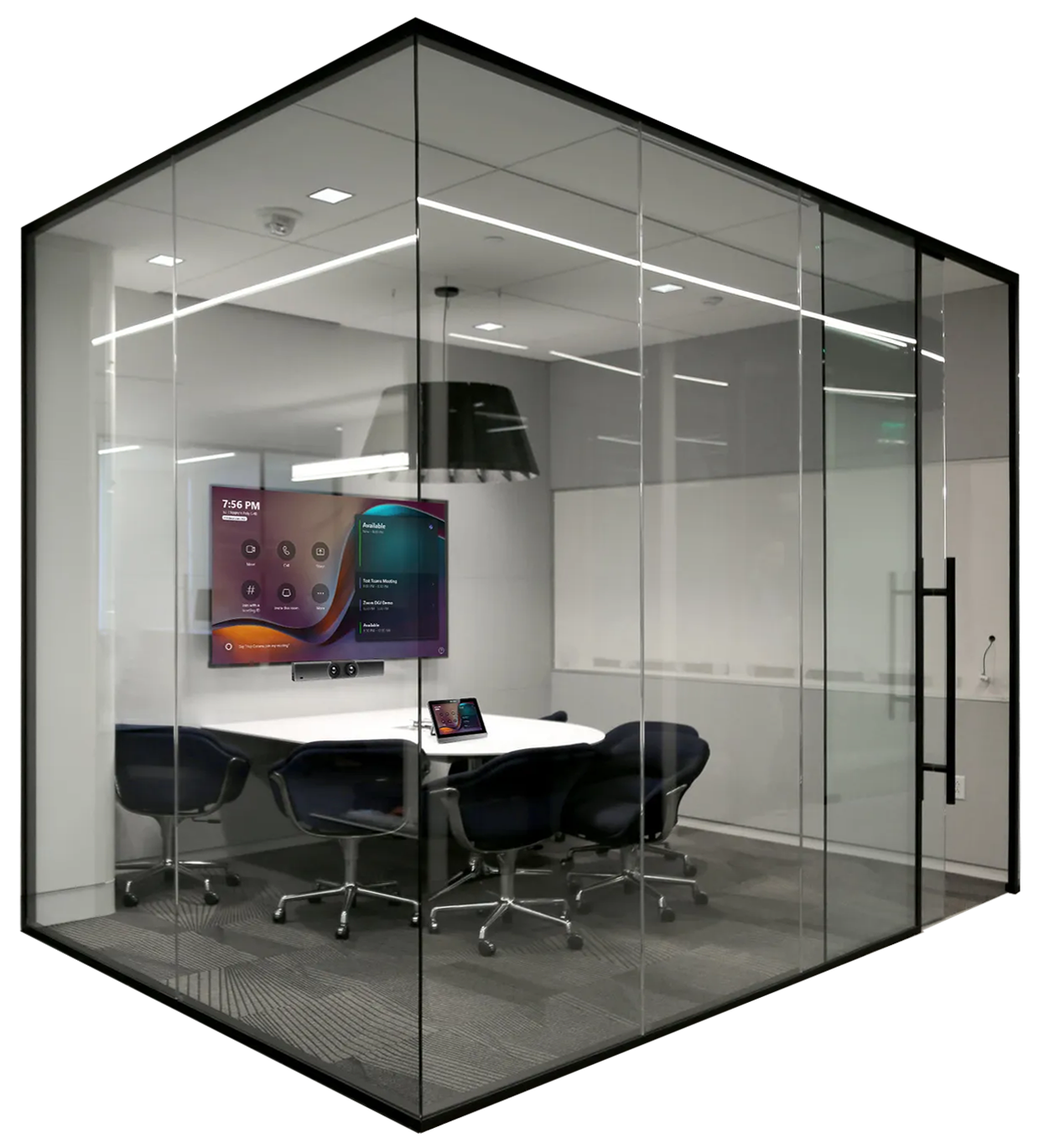
Microsoft Teams RoomsMicrosoft Teams Rooms are dedicated solutions designed to turn any meeting space into a Teams-connected conference area. They use a combination of hardware and software to facilitate video conferencing and collaboration for group meetings.
Our meeting room systems are part of a comprehensive AV solution to connect and support meetings in a collaborative space - allowing multiple participants in the room to interact seamlessly with multiple remote participants in a virtual meeting.

With AV Integration
More
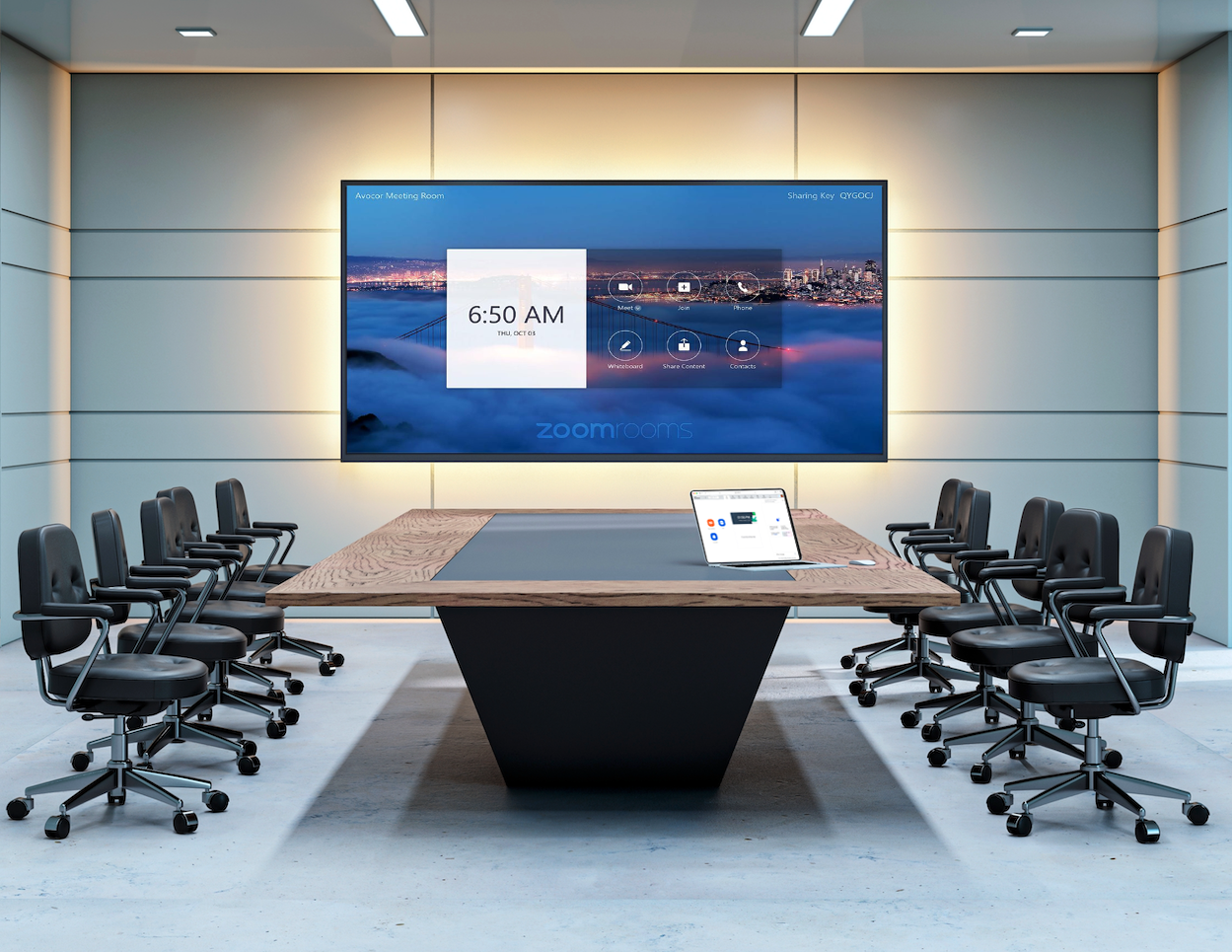
Zoom RoomsZoom Rooms is a software-based room system that offers integrated audio conferencing, video conferencing, and wireless screen sharing. It's designed to provide organizations with a powerful conferencing solution that can turn physical meeting spaces into fully-equipped digital conference rooms.
LPS Connect enables the Zoom Room to connect to the world wide PSTN and interact with other Zoom Rooms or LPSConnect Clients, including Microsoft Teams clients and rooms.
Integrate voice call processing and services, SMS texting, video calling, meetings and collaboration in your business workflows.
Contacts



More
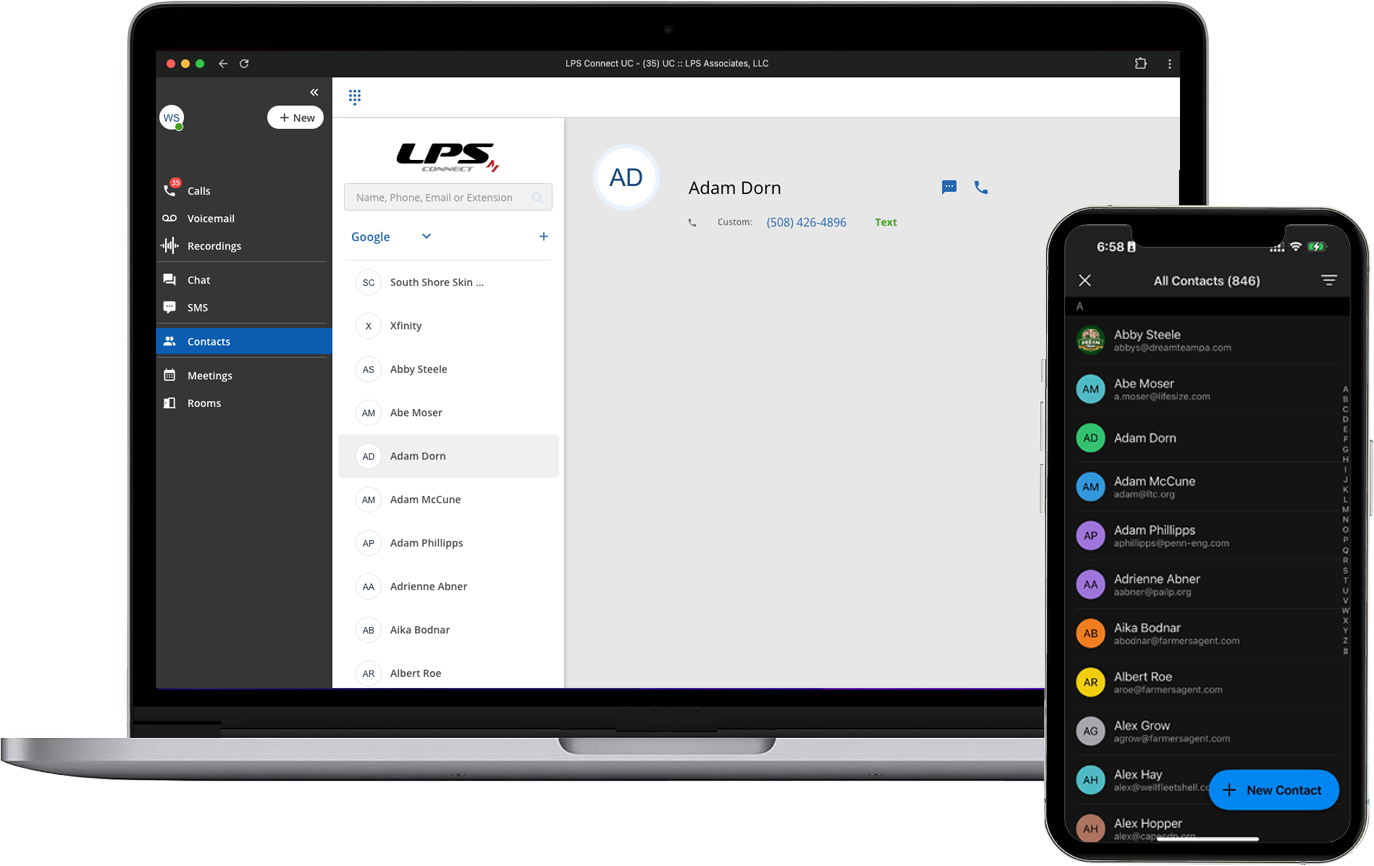
Shared ContactsLPS Connect allows you to authenticate and sign into CoreNexa with either Google Workspace or Microsoft 365. Once authenticated, both calendars and contacts are available within LPS Connect and CoreNexa to enable their shared use. Having a single universal contact file for multiple applications offers many benefits, including centralized management and consistency.
Presence

More
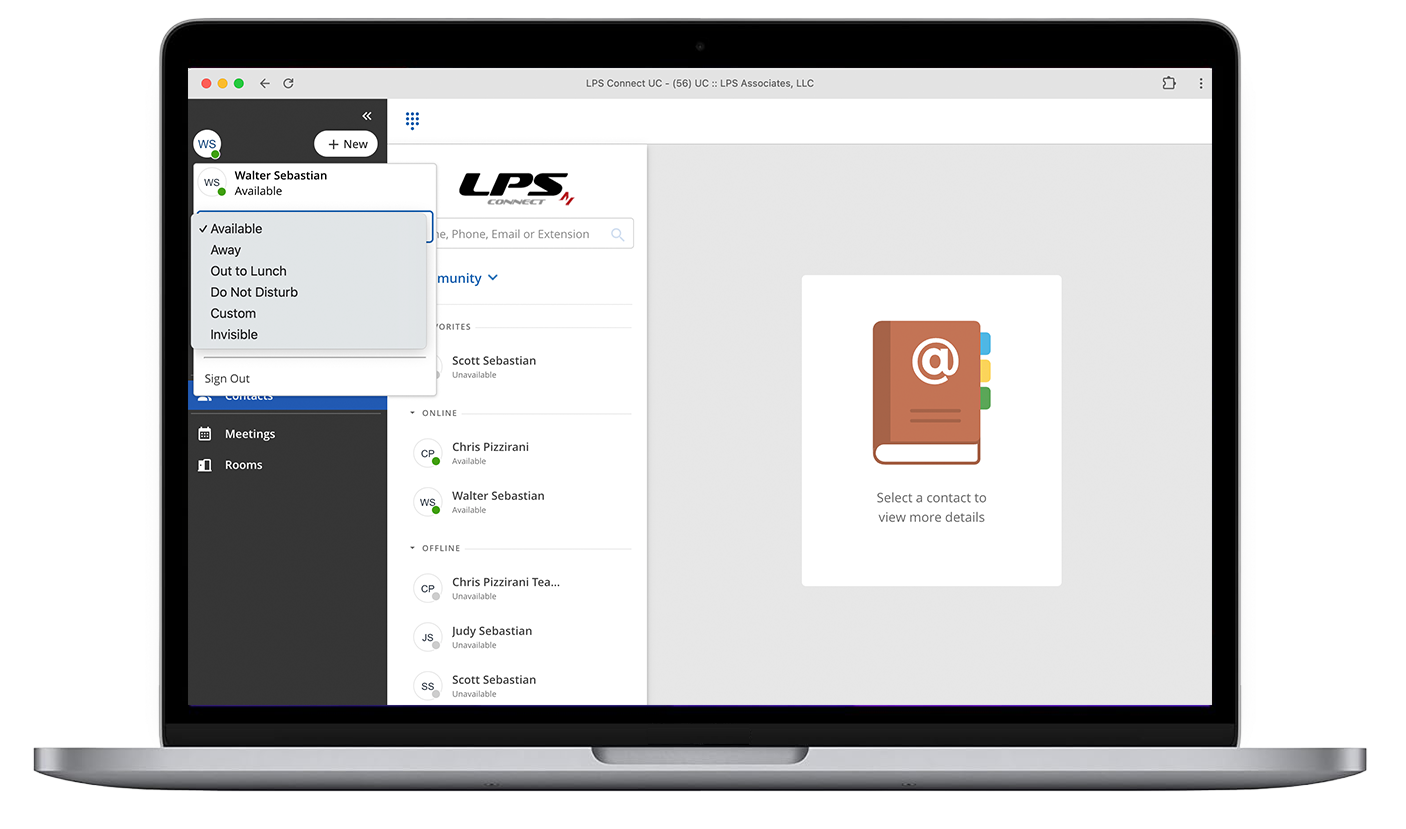
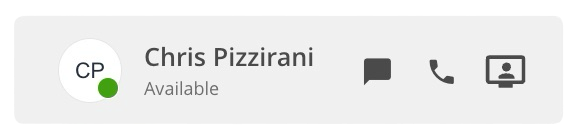
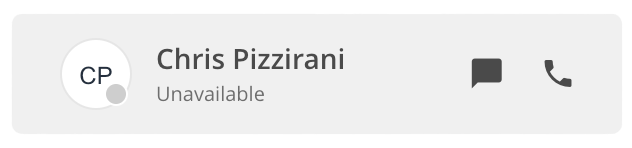
PresencePresence provides real-time visibility into the availability and status of users across different locations and communication channels.
Softphone

More
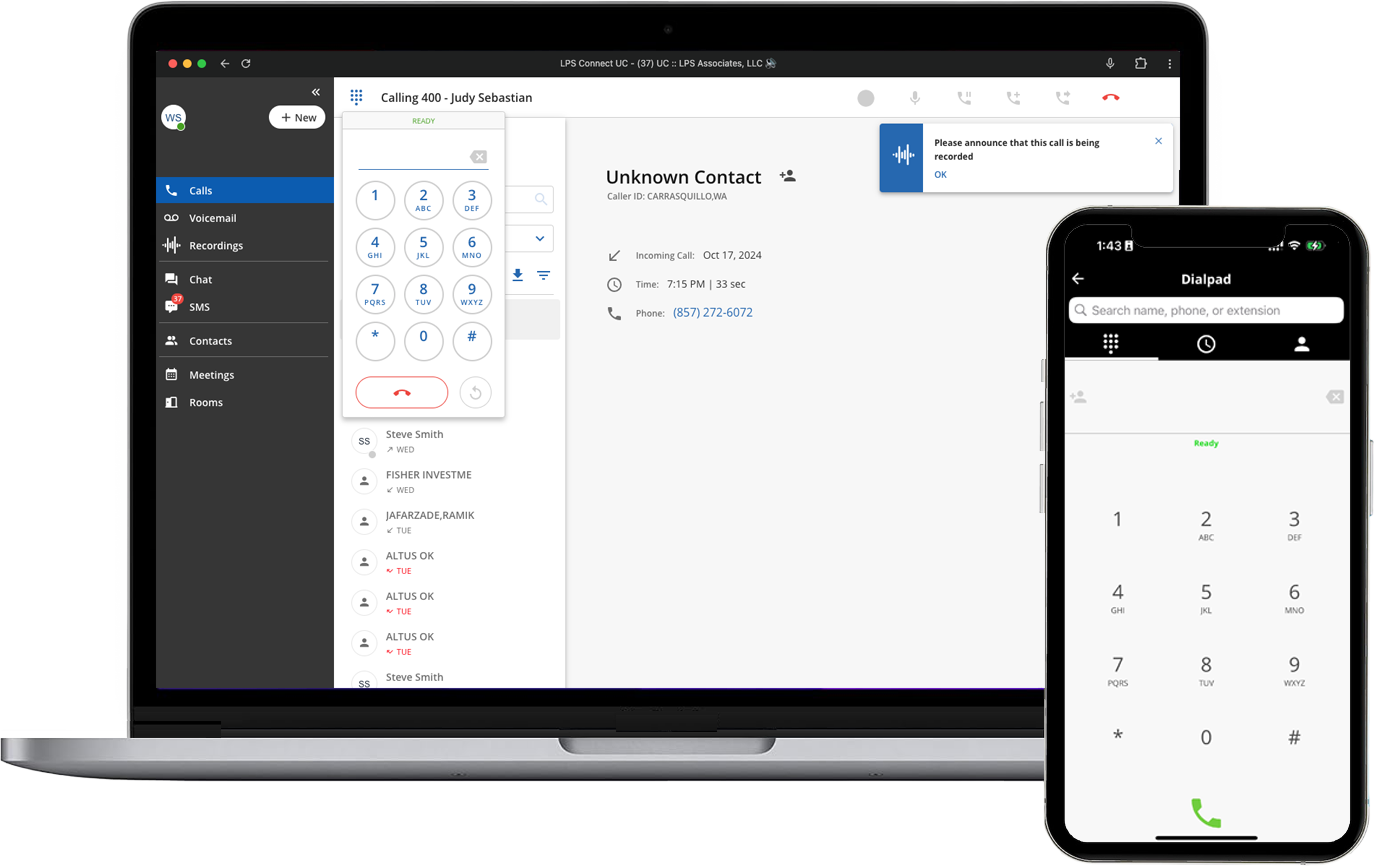
Voice CallingUsers get a built-in softphone for making and receiving calls with extensive calling features such as call move, visual voicemail, call recording, call transfer, three-way calling etc., to ensure that inbound calls reach their appropriate destination.
Phone numbers can be dialed from the Dial Pad, Speed Dial List, Recent Calls, Recordings, Contacts, SMS Texts, Voicemail, and any other telephone number on any other web page with "Click to Call."
Answering Rules
More
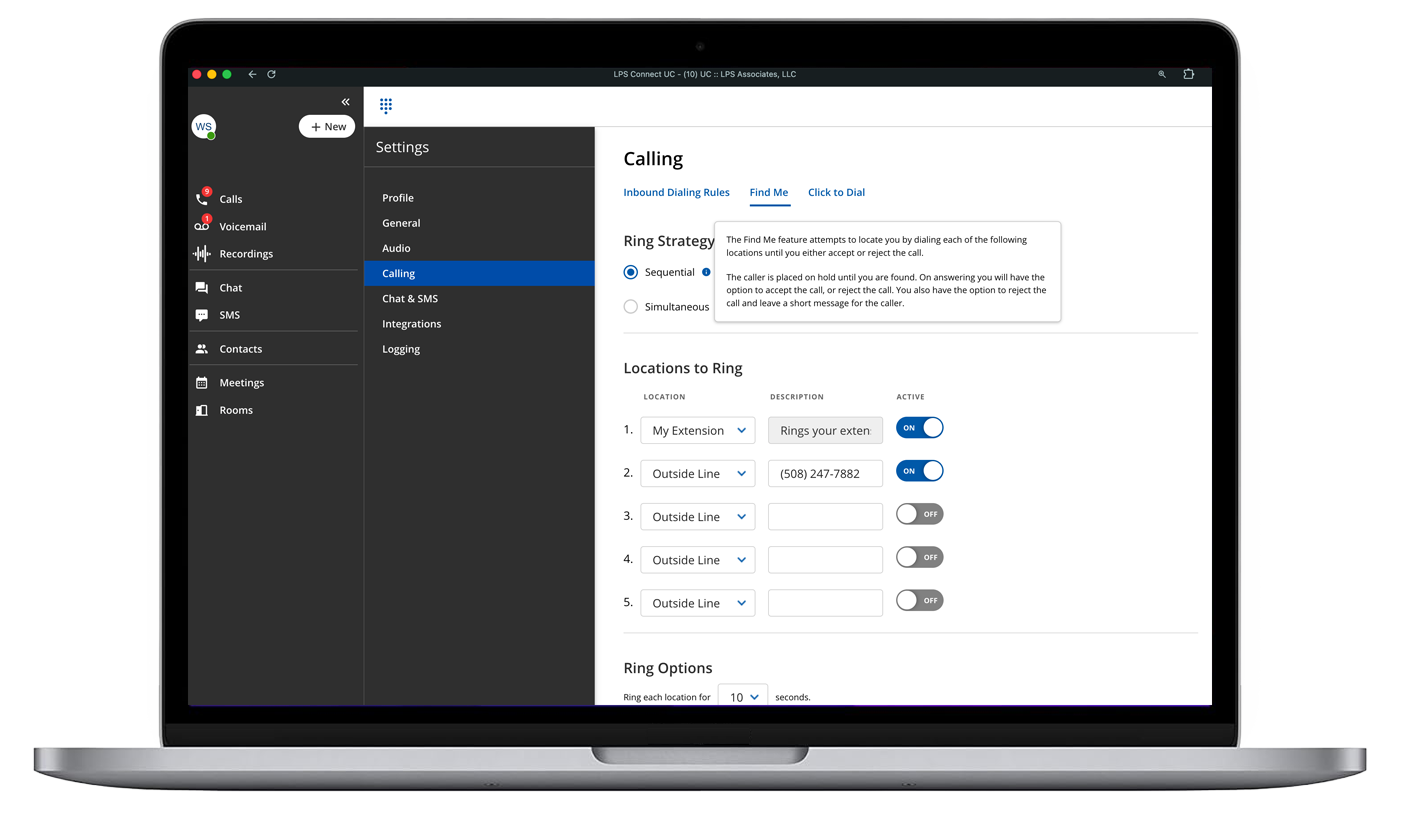
Answering RulesA set of predefined instructions and criteria that govern how incoming calls are processed, routed, and managed.
Click to Call

More
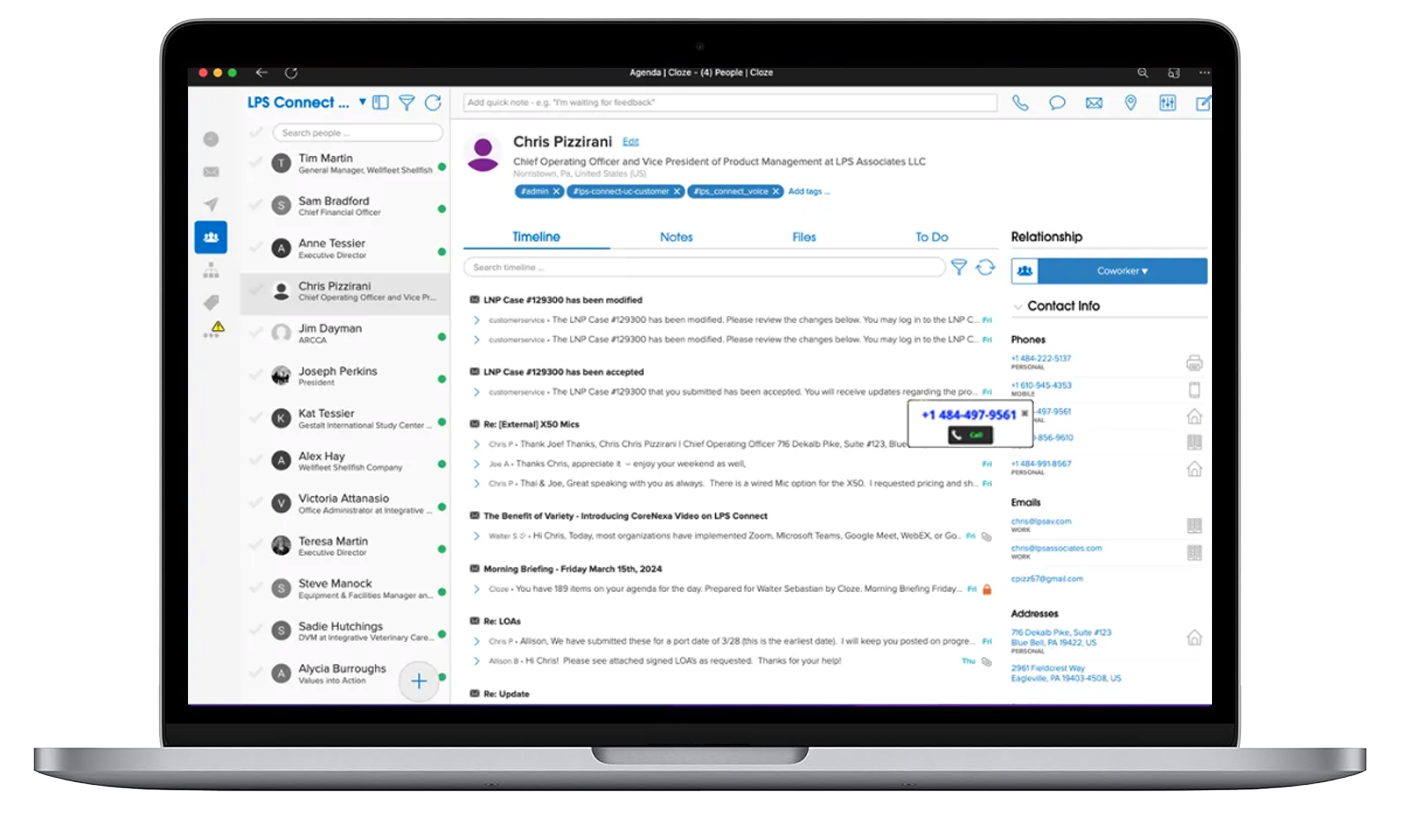
Click to CallClick-to-call is installed as a browser extension and activated within the browser itself. Once activated, the extension becomes an icon on the browser toolbar. Click the icon to sign in. The extension allows the activation and deactivation of the feature on a site by site basis. Click on any telephone number on any webpage, click Call and connect.
URL Agent

More
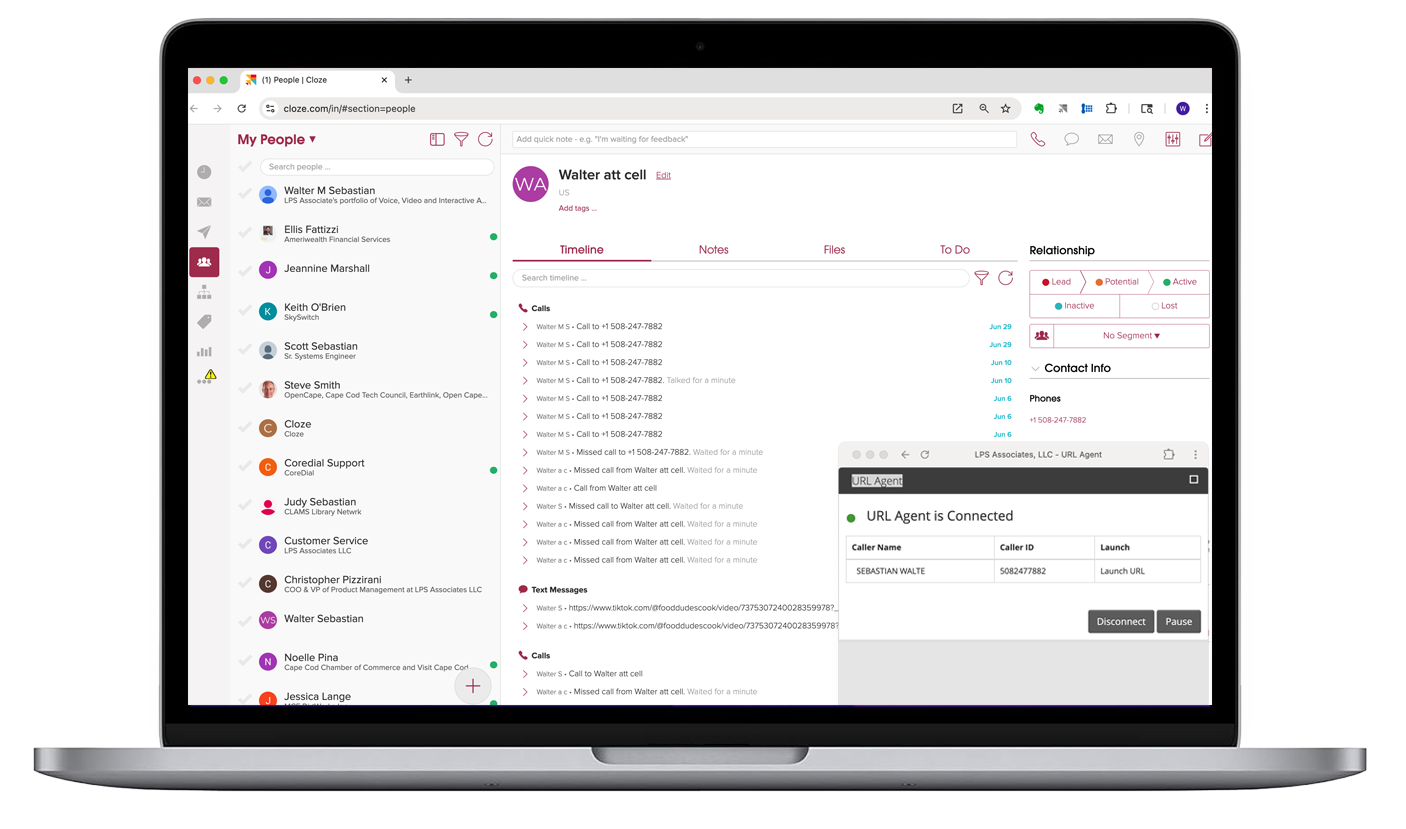
URL AgentPops an application window via a URL based on the Caller's ID. The URL is usually associated with CRM systems.
Voicemail
with Transcription

More
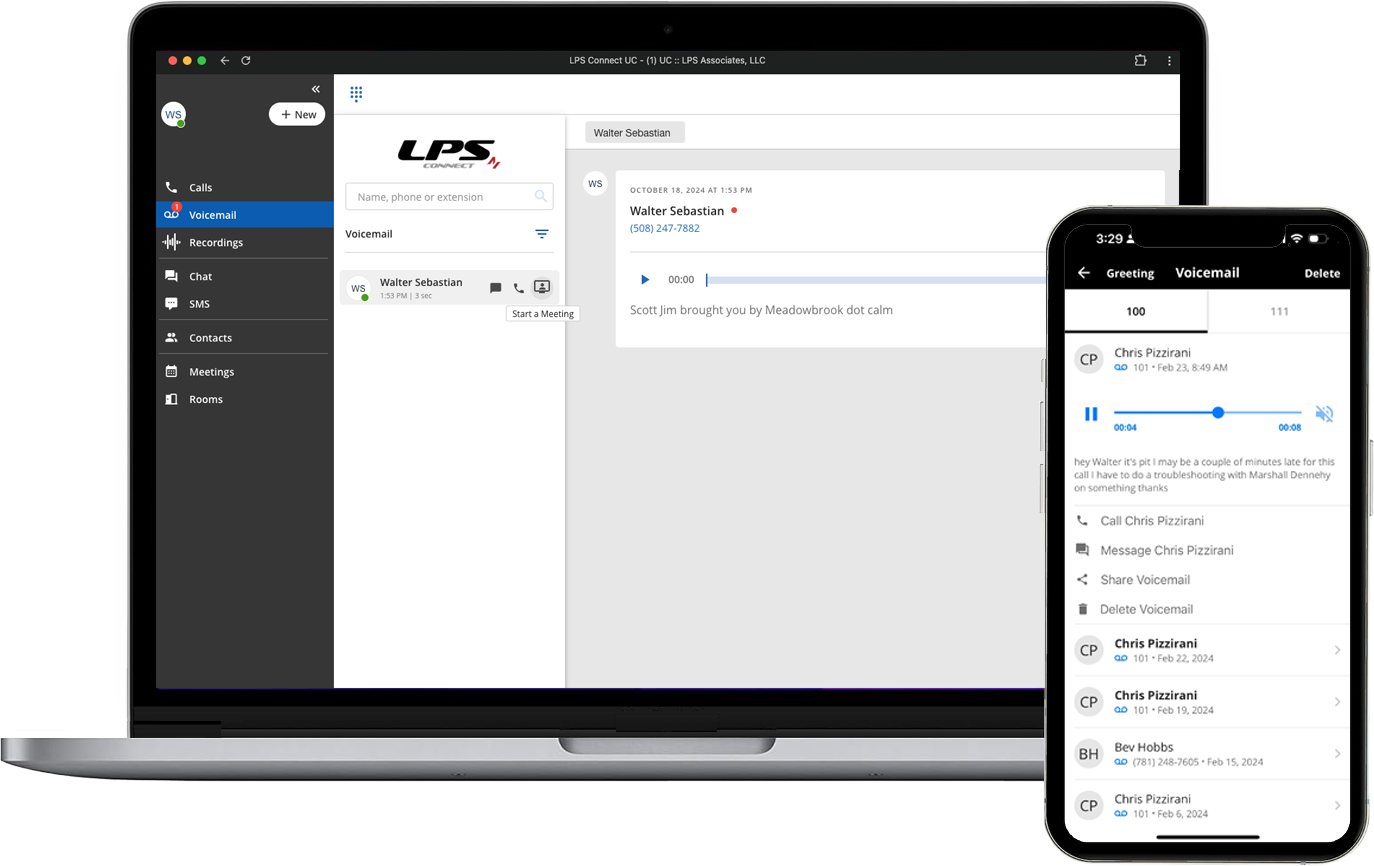
VoicemailA mailbox can be associated with an extension or used as an announce-only voice mailbox to provide customers with a prerecorded message when they choose an option through an Auto Attendant.
Voicemails are transcribed to text to allow quick visual access.
All voicemails associated with a caller are presented for access to and management of multiple messages.
Voicemail
to Email or SMS Text
More
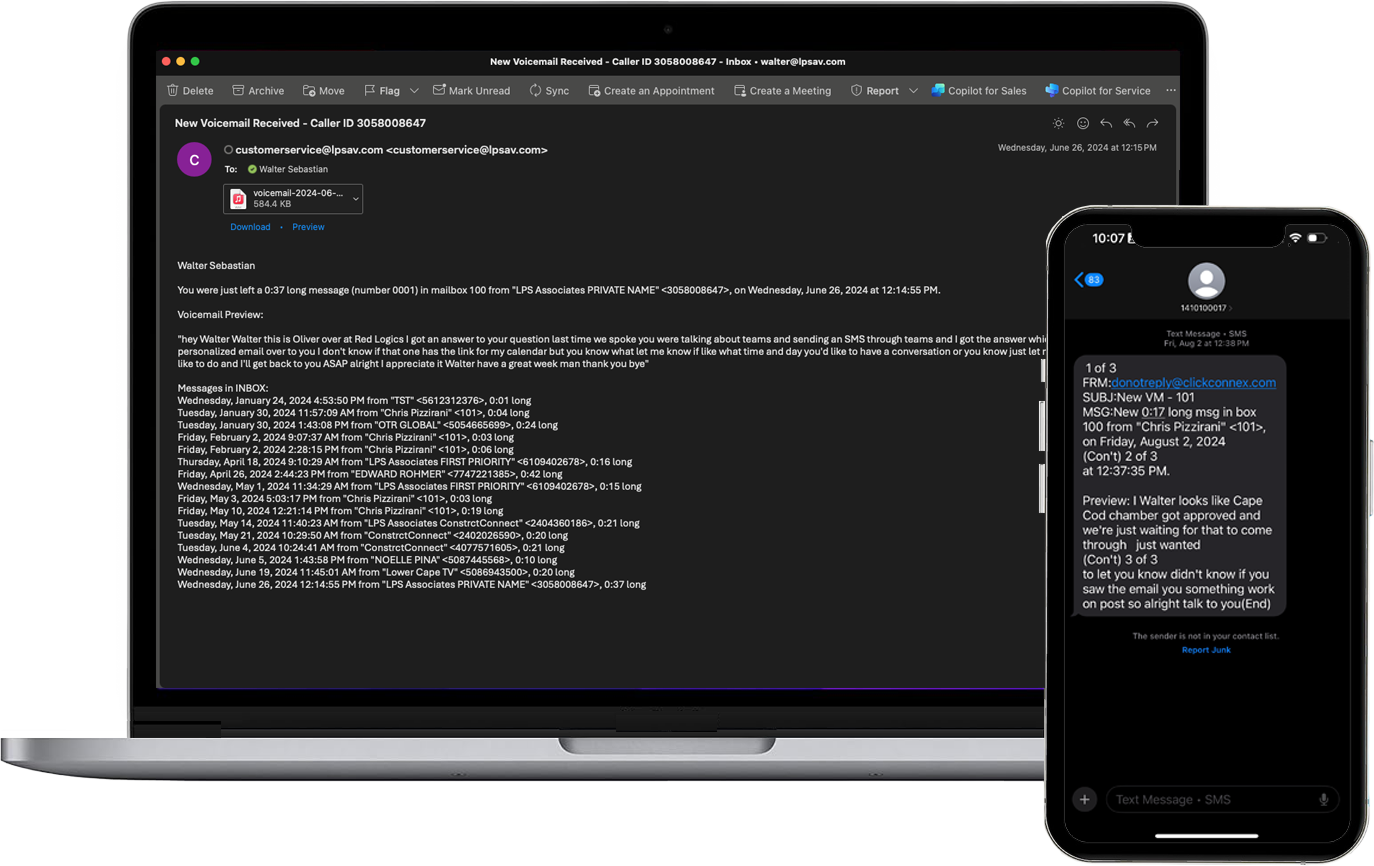
Voicemail to email or textAfter a voicemail is received, LPS Connect will send an email or text to any valid email account or text message number associated with the extension as configured in the company portal. The message will include the date and time of the call, the duration, Caller ID (if provided), the mailbox number and an attached WAV file that can be played on a PC/Mac or mobile device.
Call Recording

More
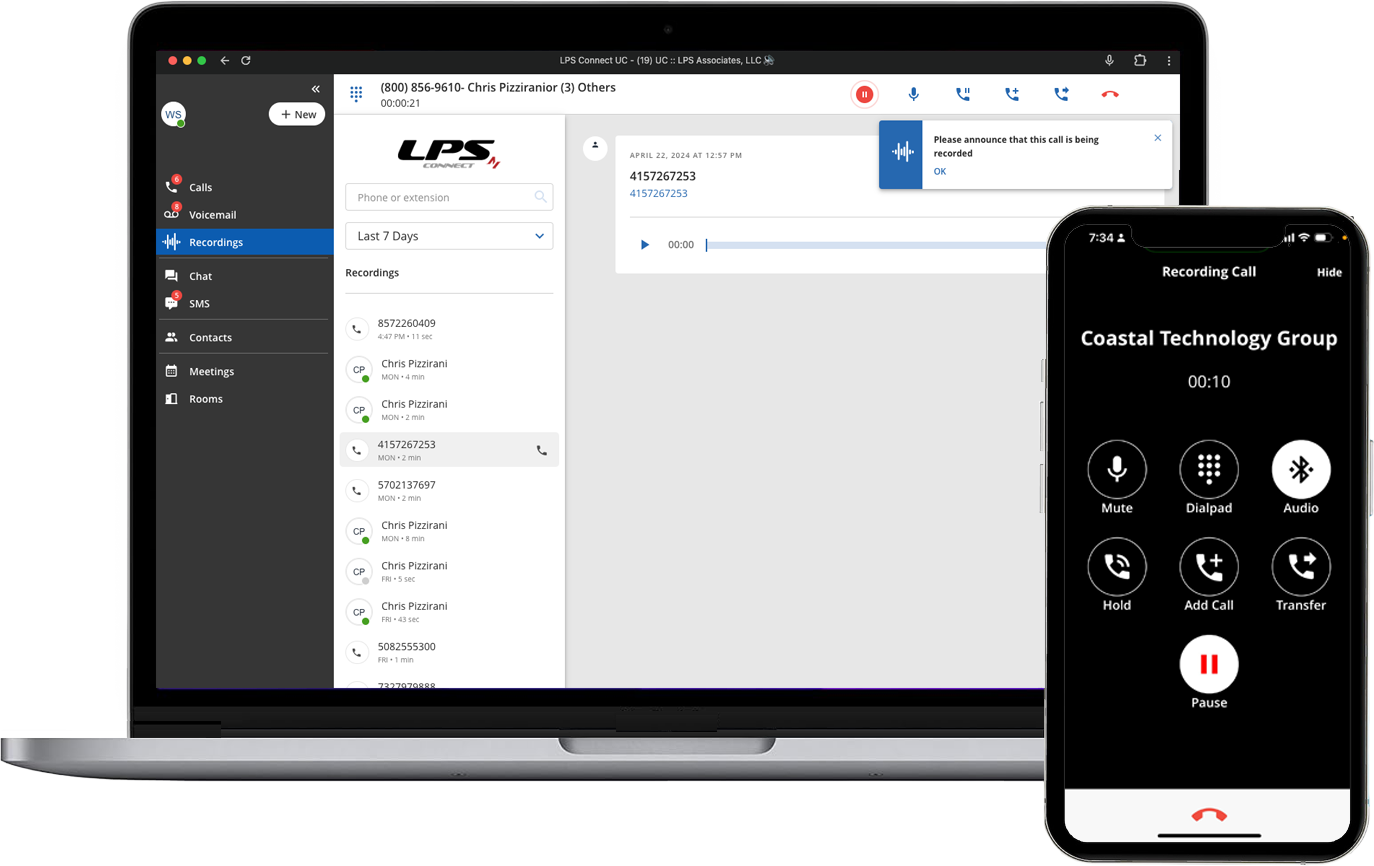
Call RecordingBoth inbound and outbound calls can be recorded and will appear on the CoreNexa Browser/Desktop App. You can record all of your calls, some of them or even parts of calls. On-demand Call Recording can be activated, paused, and even resumed during a call with a click of a single button. All of this initiated and downloaded from a single screen in the CoreNexa Browser/Desktop App.
Chat with File Transfer
Extension to Extension

More
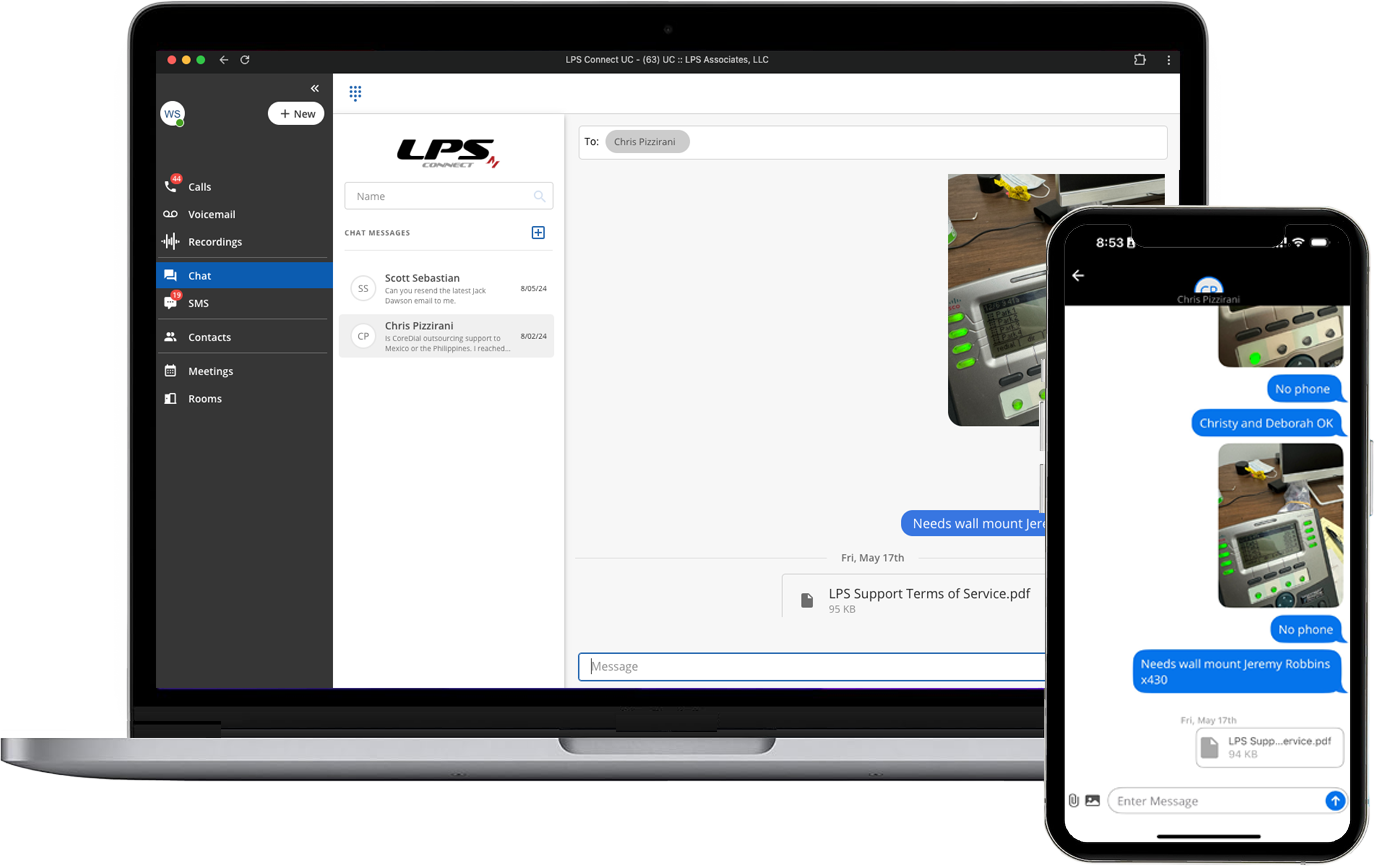
Chat MessagingChat is available for extension to extension messaging where asynchronous communications is the most appropriate modality for the moment. Chats can be held one to one or one to many with image or file transfer as an added benefit.
Business SMS

More
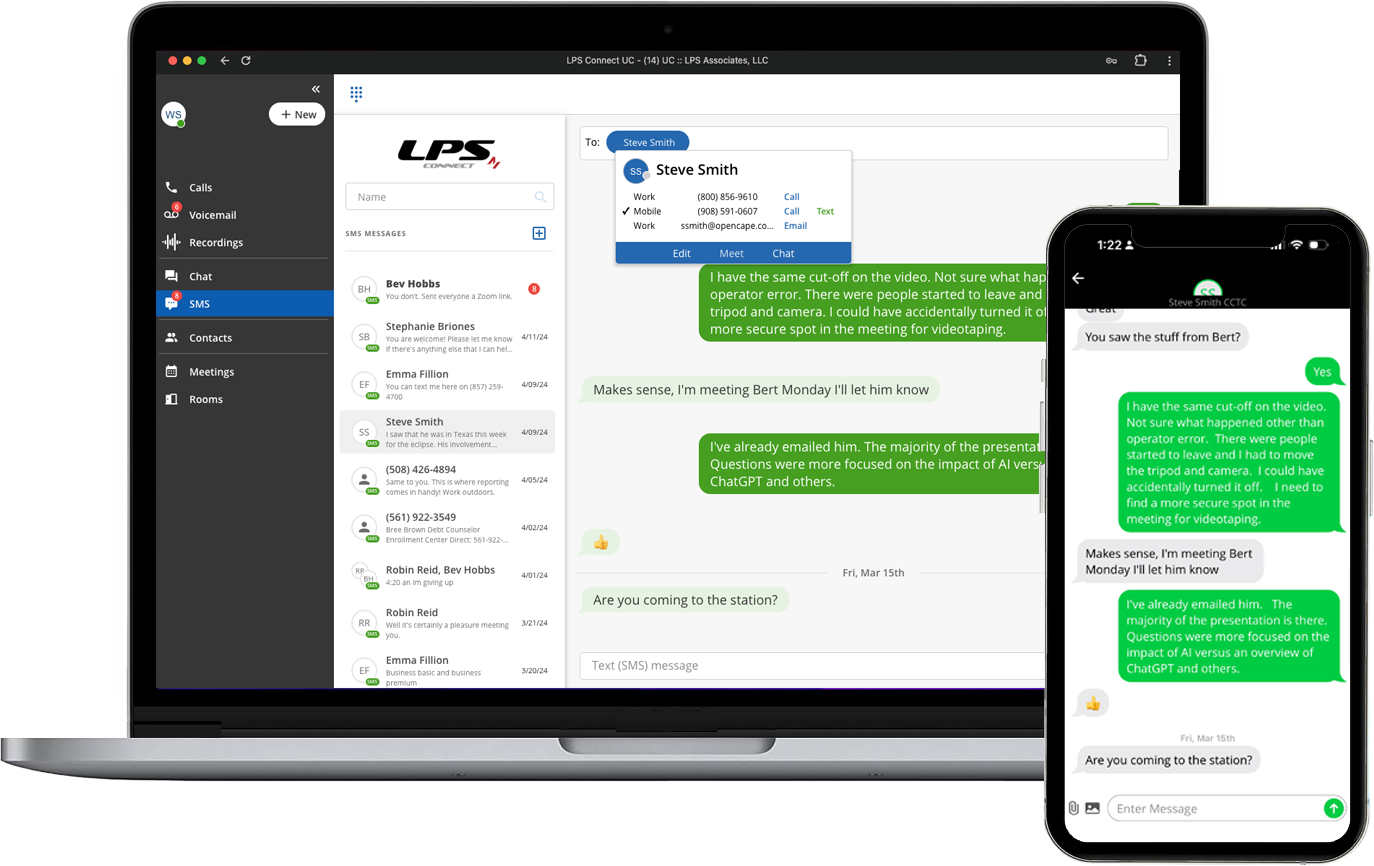
Business SMSSMS Texting has become a preferred communication medium due to its unique combination of ubiquity, compatibility, accessibility, immediacy, and versatility. It's standard on every mobile device.
And the mobility of today's workers, supported by their mobile devices and it's dominance in business makes SMS texting the most available and preferred media for business communications.
Business SMS+
A2P Cloud Messaging
More
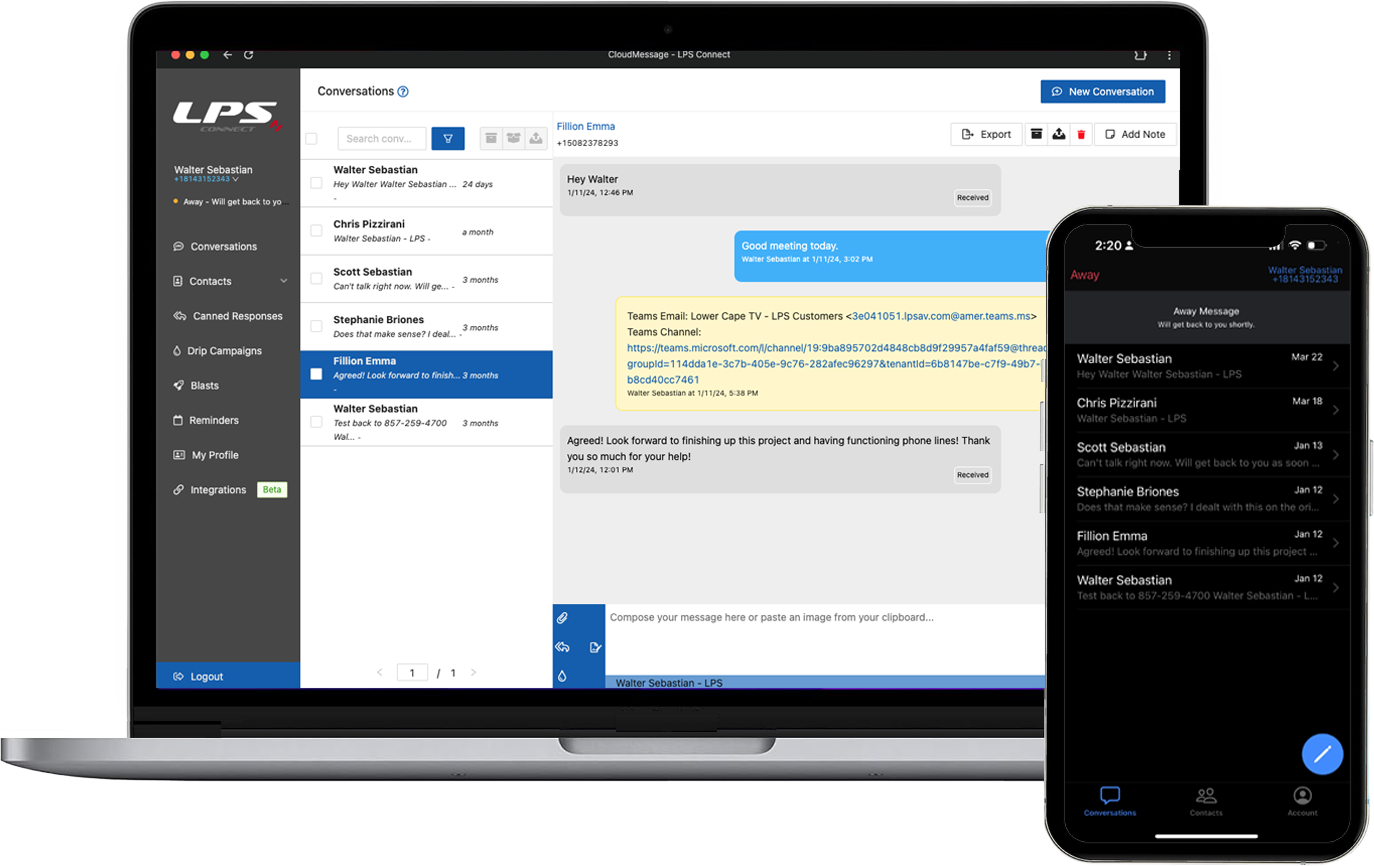
Business SMS+Business SMS+ takes texting to the next level by incorporating features that turn SMS texting into an automated customer communications medium.
Business SMS+ offers capabilities—such as shared numbers, keyword responders, appointment reminders, SMS blasts, drip campaigns, and more—enabling you to communicate better and faster with customers and prospects that drive efficiencies and growth.
Video Calling
Extension to Extension

More
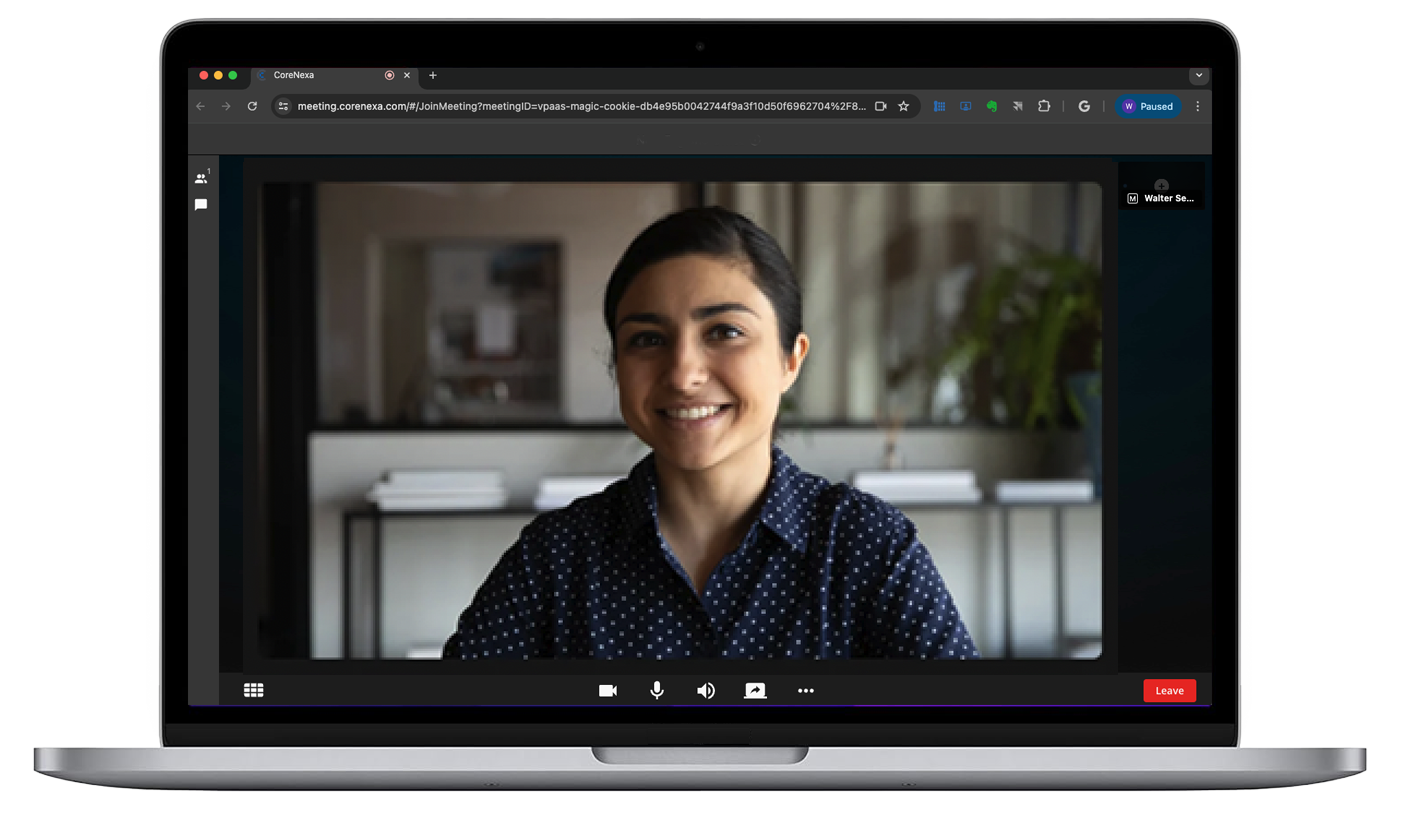
Video CallingVideo calls can be made as easily as a voice call or text message making CORENEXA the go-to solution for spontaneous or un-scheduled 1 to 1 video calls.
Just click on the video icon, wait for the far-end to accept the call, and start collaborating. As easy as a phone call.
Meetings
Immediate and Scheduled


More
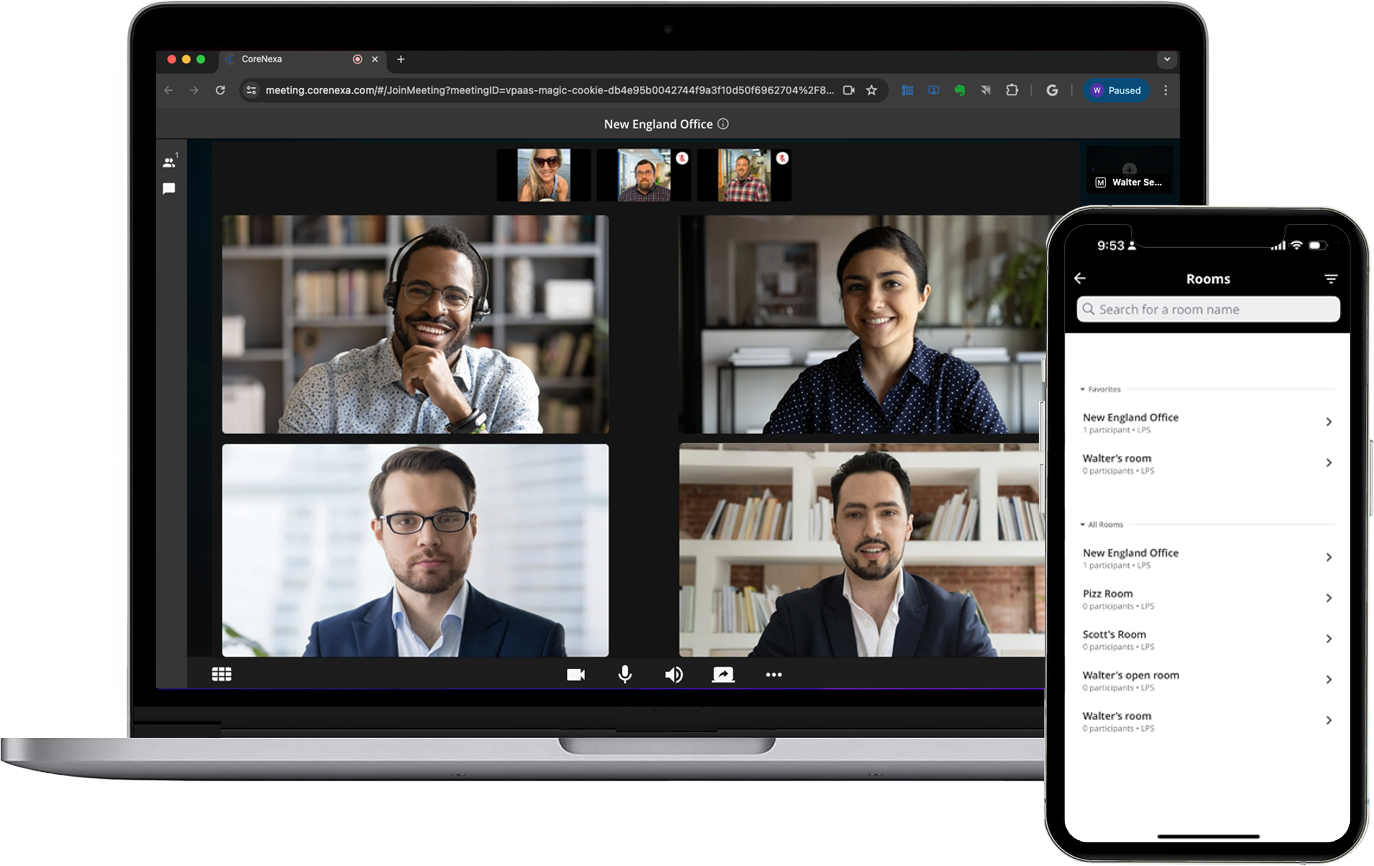
MeetingsMeetings can be conducted both on a personal and group level, with options for immediate or scheduled sessions.
Joining a meeting is quick and convenient—simply enter the Meeting URL, Meeting ID, and PIN in any browser to access the Join Meeting page. No special software is required, and up to 100 participants can join each session seamlessly.
Personal Meeting Room
Always Available

More
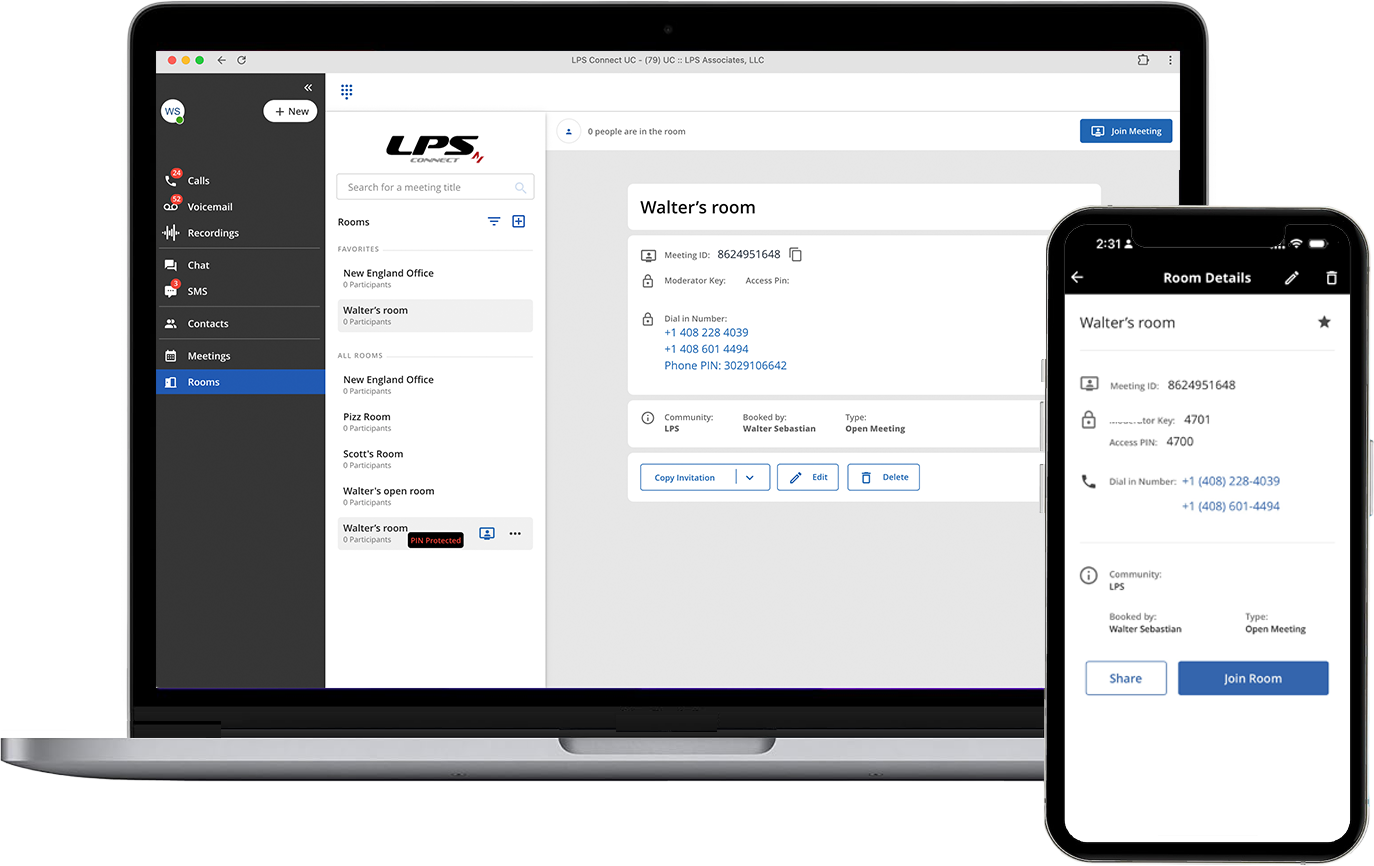
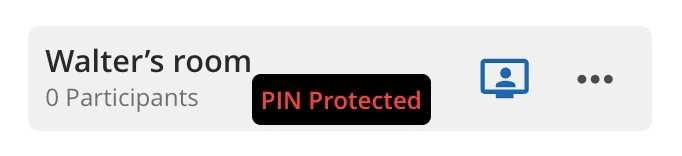
Personal Meeting RoomA Personal Meeting Room (PMR) is activated upon request and comes with a permanent room number that remains constant until you choose to change it. This serves as your personal virtual meeting space, available whenever you need it. For added confidentiality, a security PIN can be customized for each meeting. Your PMR can accommodate up to 100 participants, making it a convenient and secure option for recurring or spontaneous meetings.
Calendar
More
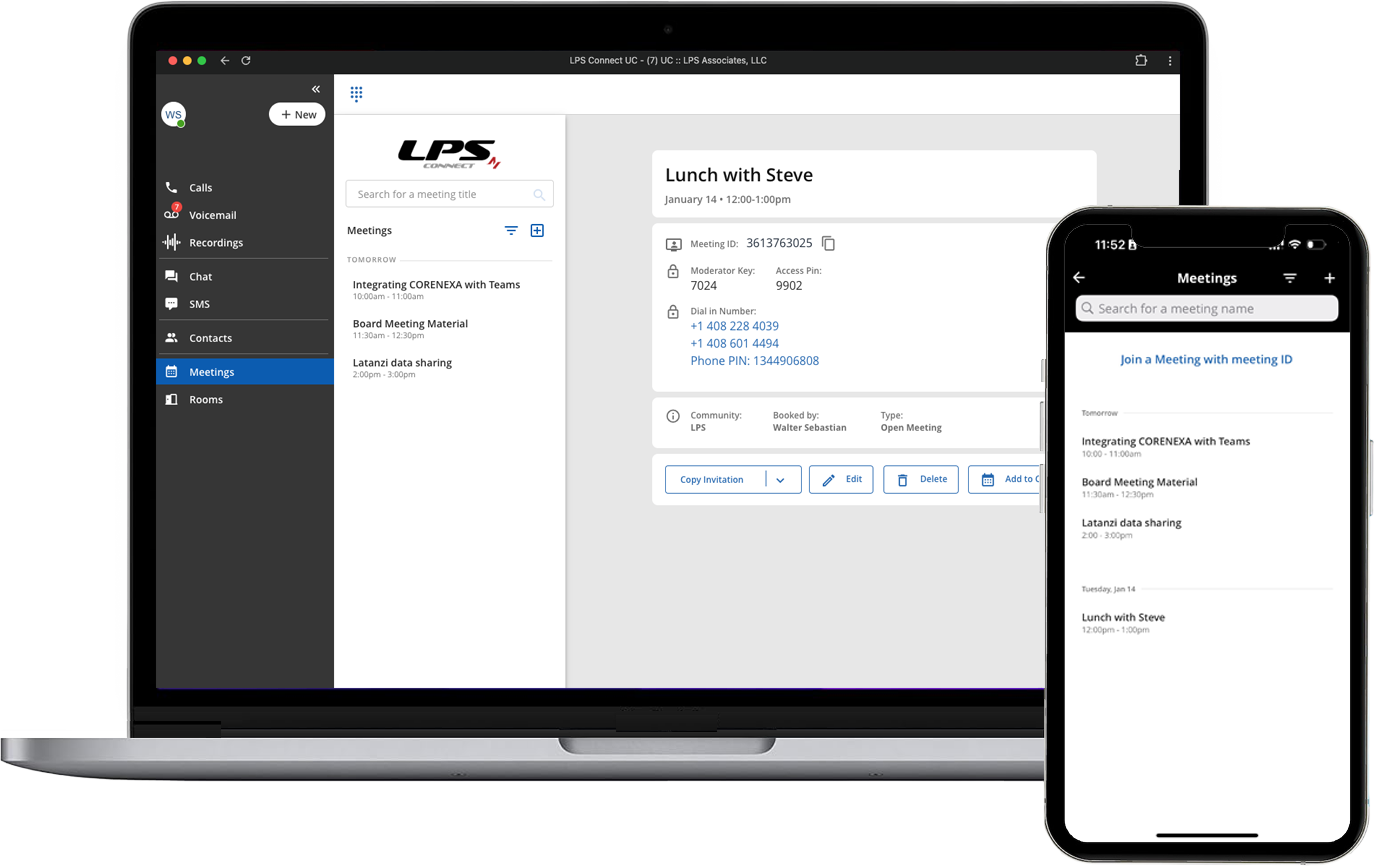
LPS Connect allows you to authenticate and sign into CoreNexa with either Google Workspace or Microsoft 365. Once authenticated, both calendars and contacts are available within LPS Connect to enable their shared use. Having a single universal contact file for multiple applications offers many benefits
Resource Sharing

More
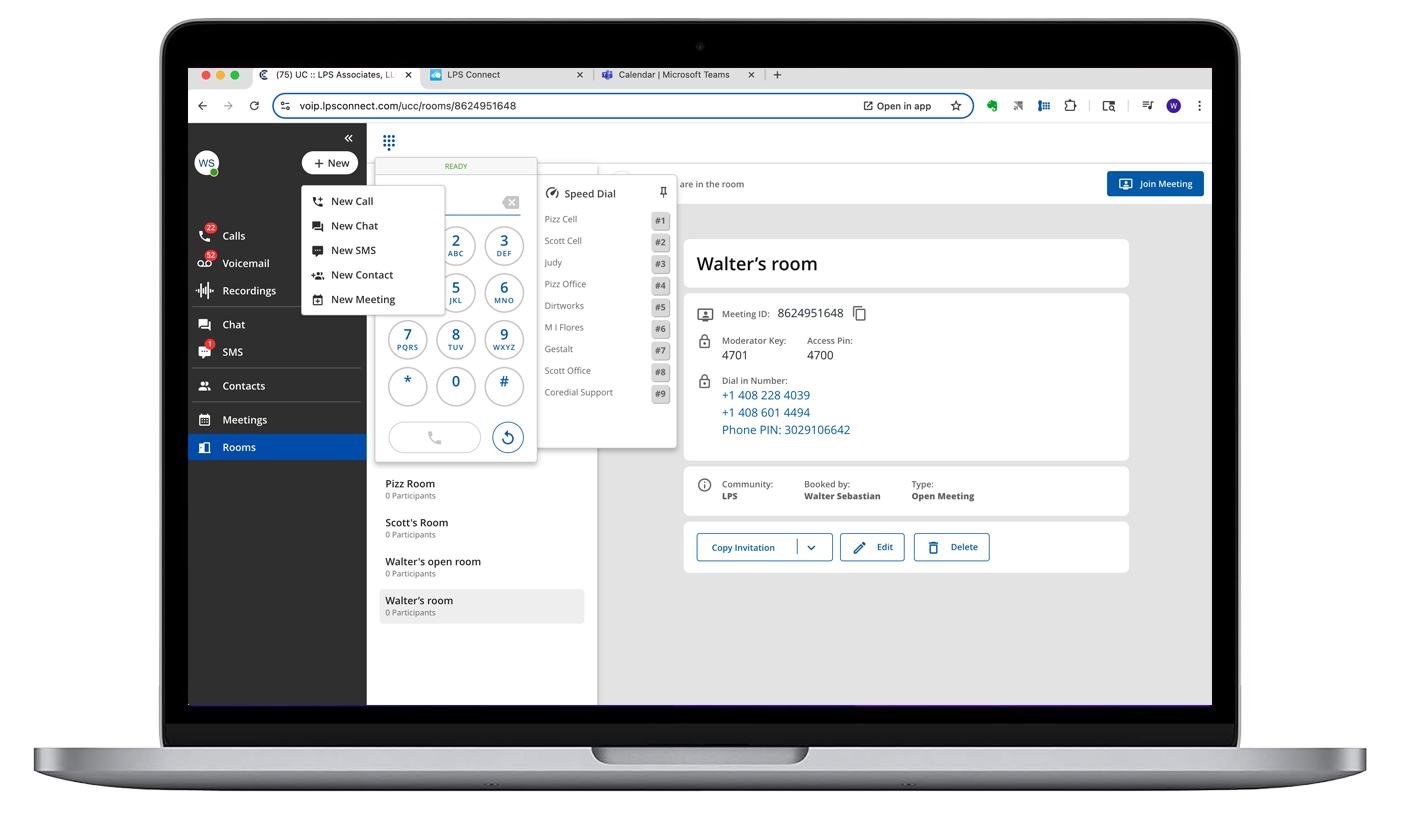
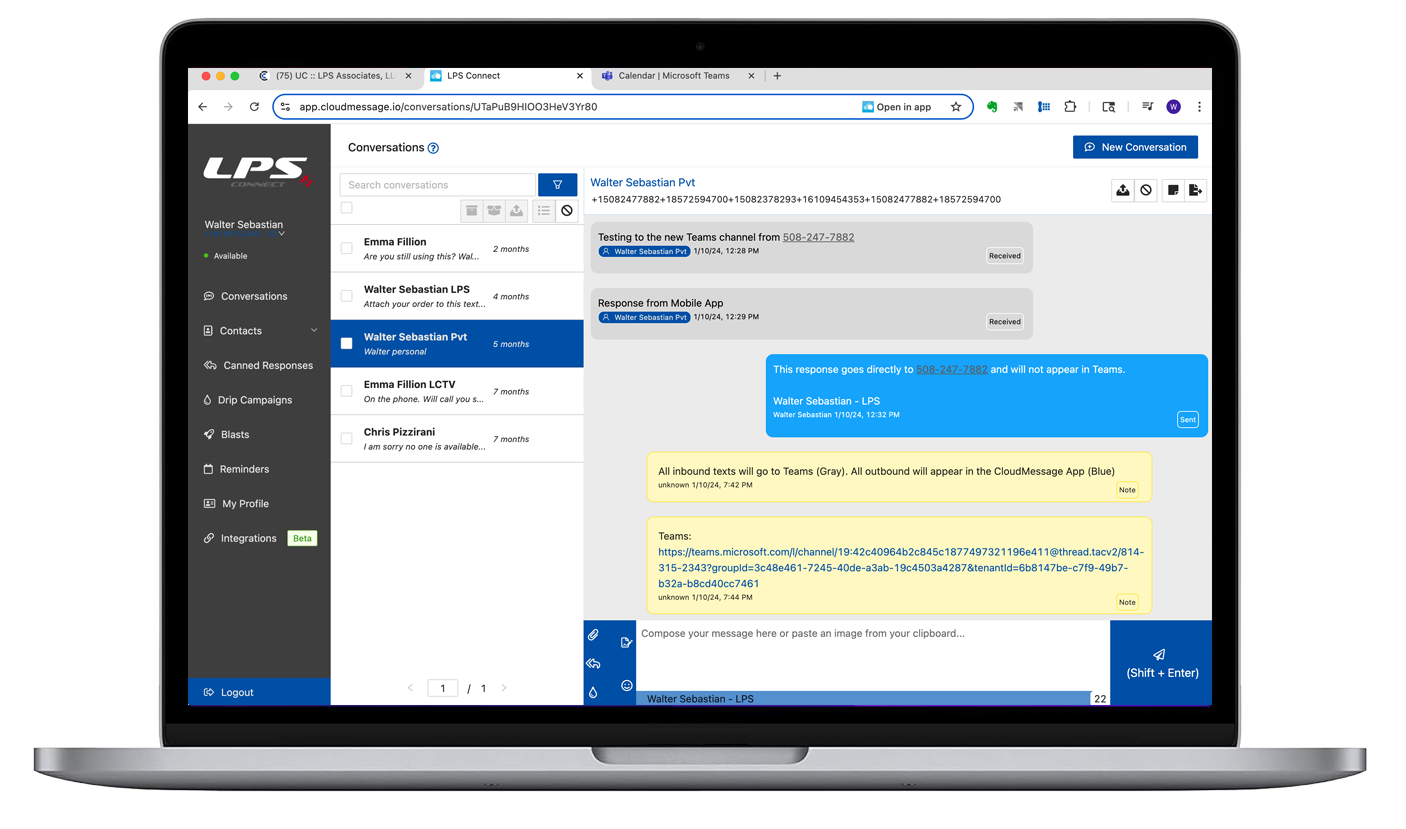
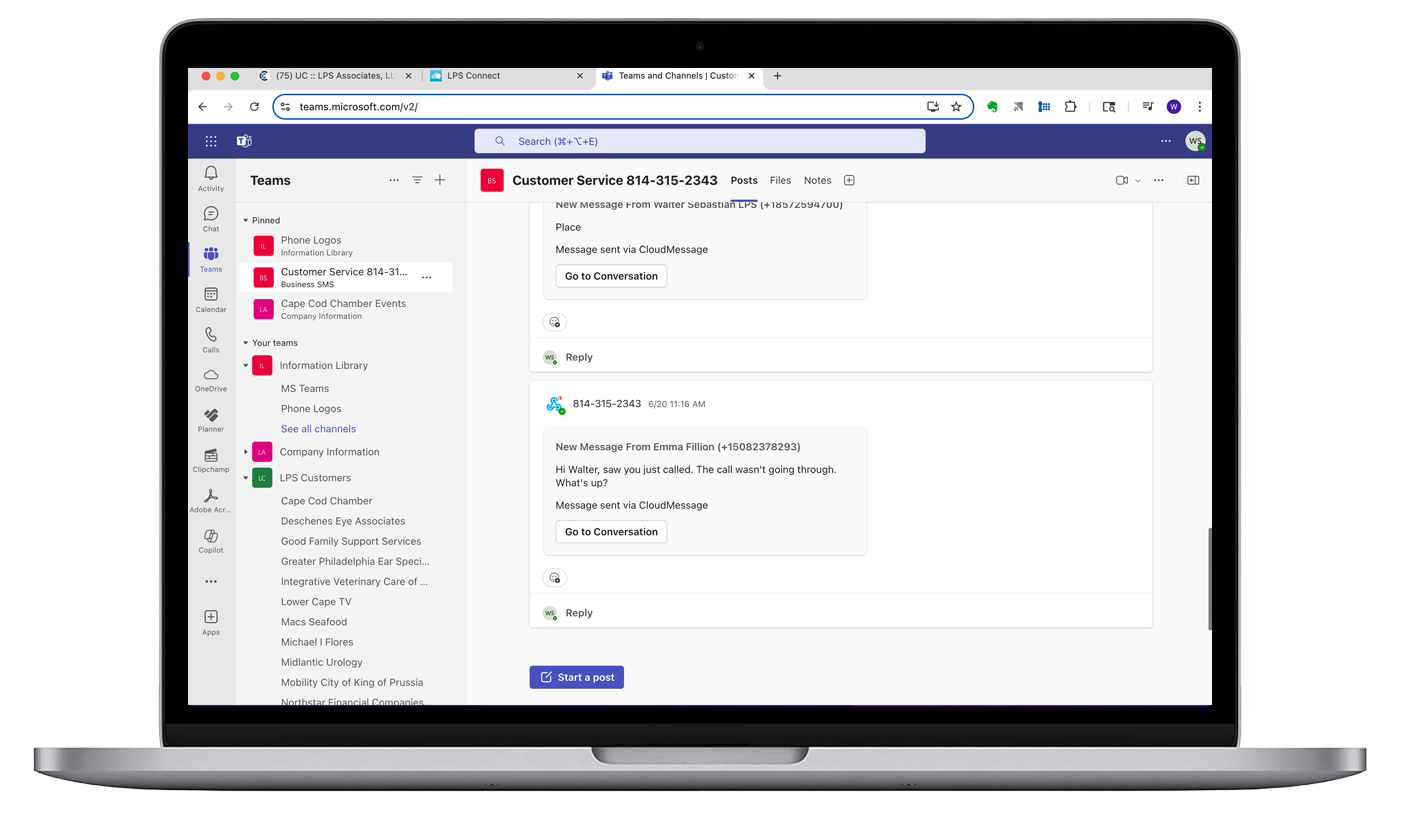
Microsoft Teams + CORENEXACORENEXA and MS Teams can both run in a common Chrome or Edge browser window and share an LPS Connect outside line/number, ring group and contacts.
Using a shared browser with pinned tabs and browser notifications creates a streamlined, visually organized environment, enabling users to select the most suitable application, function, or interface from either Teams or CORENEXA based on the situation.
Resource Sharing

More
Desktop Set + CORENEXAhe functionality of the Desktop Phone is extended by working in tandem with CORENEXA to add applications such as shared Contact Directories, Call History, Visual Voicemail, Call Recordings, Texting (Chat and SMS), Video Calling, Meetings with Collaboration and always available Personal Meeting Rooms that seat up to 100 participants.
Form Factors
More
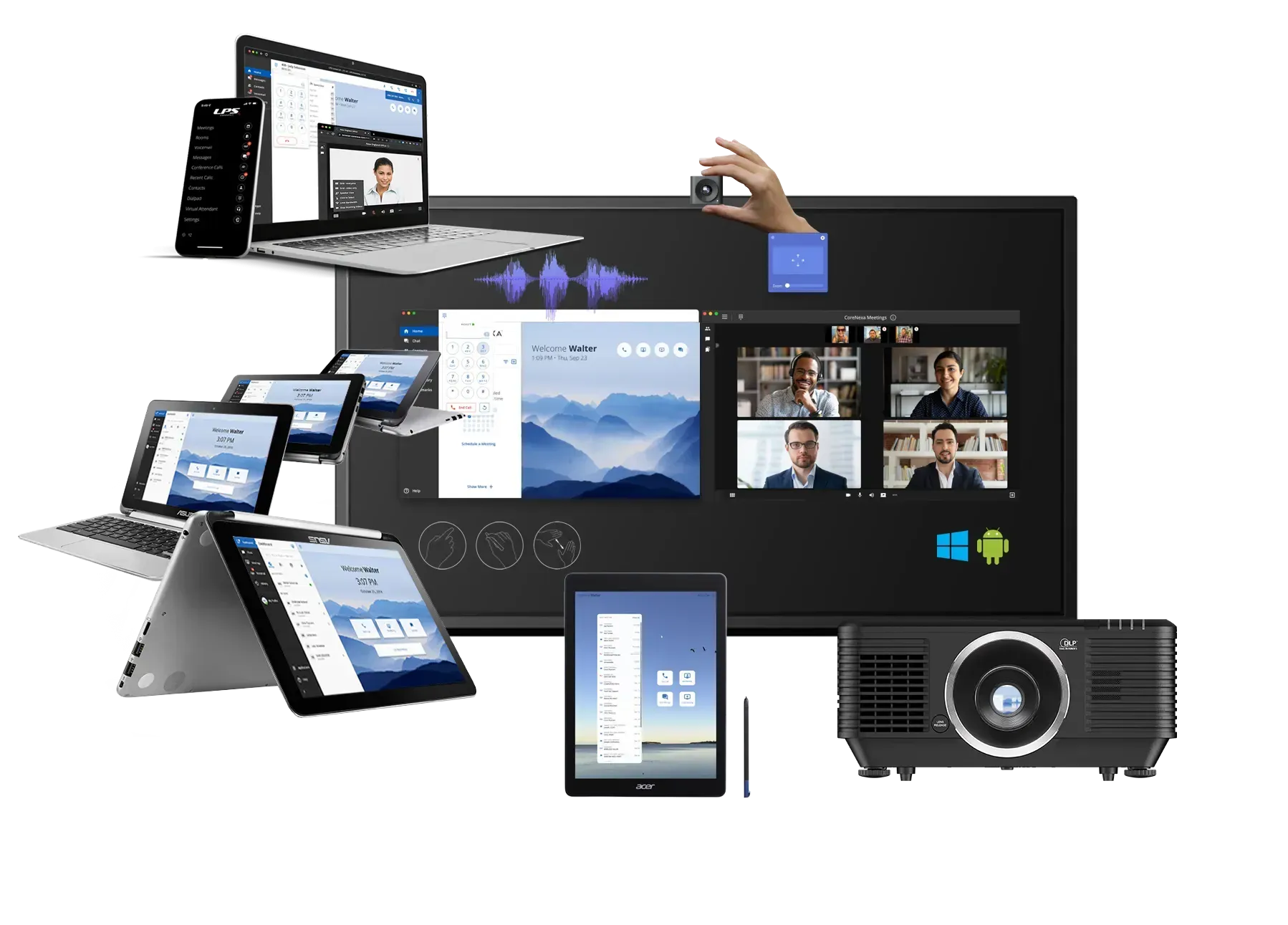
CORENEXA can be run on any Browser on most devices ranging from a Chrome OS tablet to a Mac,PC or LINUX device to a Smartboard. Handheld to a room display.
Call Processing
Schematic
More
Call Processing SchematicLPS Connect's call processing feature set is extensive.
Call Processing
Feature Set

For Today's Mobile Workforce
More
Call Processing FeaturesAs businesses evolve and modernize, transition to decentralized work environments, and seek to leverage the scalability and reach of cloud based communication technology, the LPS Connect platform provides a feature set that equips organizations of any size with the innovative and reliable features they need to make communications more efficient and productive.
LPS is your local partner for hands-on and personal customer service and support.
We take a true hands-on approach to both sales and service, working closely with our customers every step of the way. Rather than pushing prepackaged, one-size-fits-all solutions or expecting you to navigate complex systems on your own, we provide proactive engineering, customized configurations, and personalized support tailored to your needs.
Our team delivers continuous training, responsive help desk assistance, and on-site support when needed. From initial setup through ongoing management, we handle all system configuration and support—serving as an extension of your business and effectively operating as your outsourced telecommunications department.
Resources
Video Overview